
 |
Deliverability > Verify list before sending |
I want to verify my email list before sending a campaign
There’s a lot of value in verifying the email addresses on your list before you send.
You can cut way down on bounces by verifying emails — and that can be a big deliverability boost.
And fortunately, email verification is included in all GMass plans so you don’t have to pay for an expensive third-party service or (gasp) attempt to do it manually.
Plus, it’s a one-click process. Here’s how to do it.
Step-by-step guide
1. Create your campaign as usual
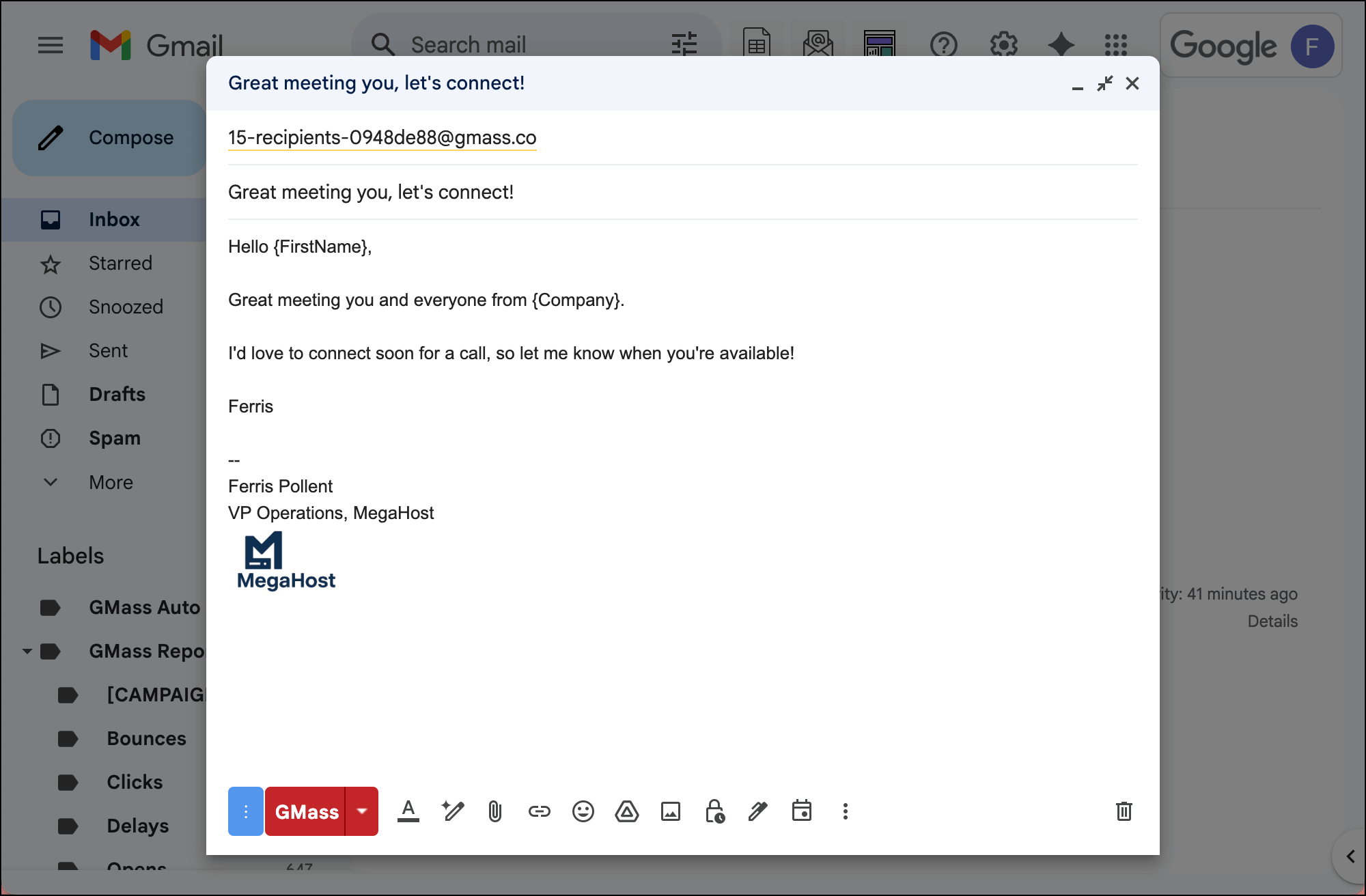
To start, create your normal campaign in GMass.
2. Go to the Advanced section of the settings to turn on email verification
Open the GMass settings box for your campaign.
Head down to the Advanced section. Look for Verify and check the box.

Now GMass will test every email address before sending to make sure it’s valid.
Two things to note:
- GMass’s email verification is very good, but it’s not perfect. It should be good enough for virtually everyone, but if you want to get down to zero bounces, a handful of addresses might be able to slip through the cracks.
- The email verification process does slow down your sending, since GMass has to check every address. So if you’re worried about campaign speed, this can affect it.
✅ You’re all set.
More resources
- Here’s the full write-up where you can learn more about GMass’s email verification feature.
- You can also use the GMass API to verify email addresses.
- Check out all of GMass’s other deliverability features.