Check which domains are actually being used for SPF, DKIM, and DMARC and whether those checks pass.
Email Analyzer: see what really happened to your email.
Send one email and inspect the technical journey behind it: SMTP conversation, headers, SPF, DKIM, DMARC, blacklists, MIME content, and tracking pixels. No account required.
SPF
DKIM
DMARC
IP blacklists
Raw headers
SMTP transcript
1Send a test email
Send any email to this unique address.
Use Gmail, GMass, another email platform, or an SMTP service. The analyzer will update automatically as soon as your message arrives.
Waiting for your email…
Keep this page open. Results will appear here automatically.
When should you analyze an email?
Use this when you need to understand the technical side of a deliverability problem—not just whether a message landed in spam.
Inspect the connecting IP, routing path, headers, and whether the shared infrastructure is showing up on blacklists.
See the SMTP exchange, raw DATA, MIME parts, headers, and other details normally hidden by your email client.
Fix technical problems
- What to do if you’re on an email blacklist
- How to fix an invalid DKIM signature in Gmail
- What to do if SPF fails
- What to do if DMARC fails
- GMass users can also contact our support team
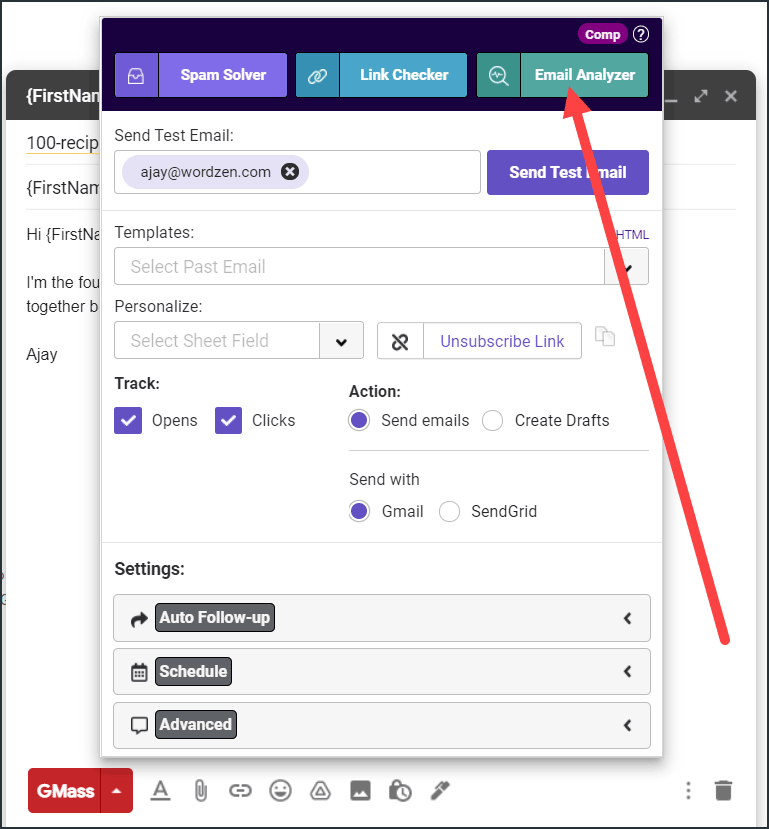
Email Analyzer is built into GMass.
From the GMass settings box, you can send a test of a campaign through this analyzer before the real campaign goes out.
That makes it easy to catch SPF, DKIM, DMARC, blacklist, or routing problems while you can still fix them.
See what makes GMass different →