
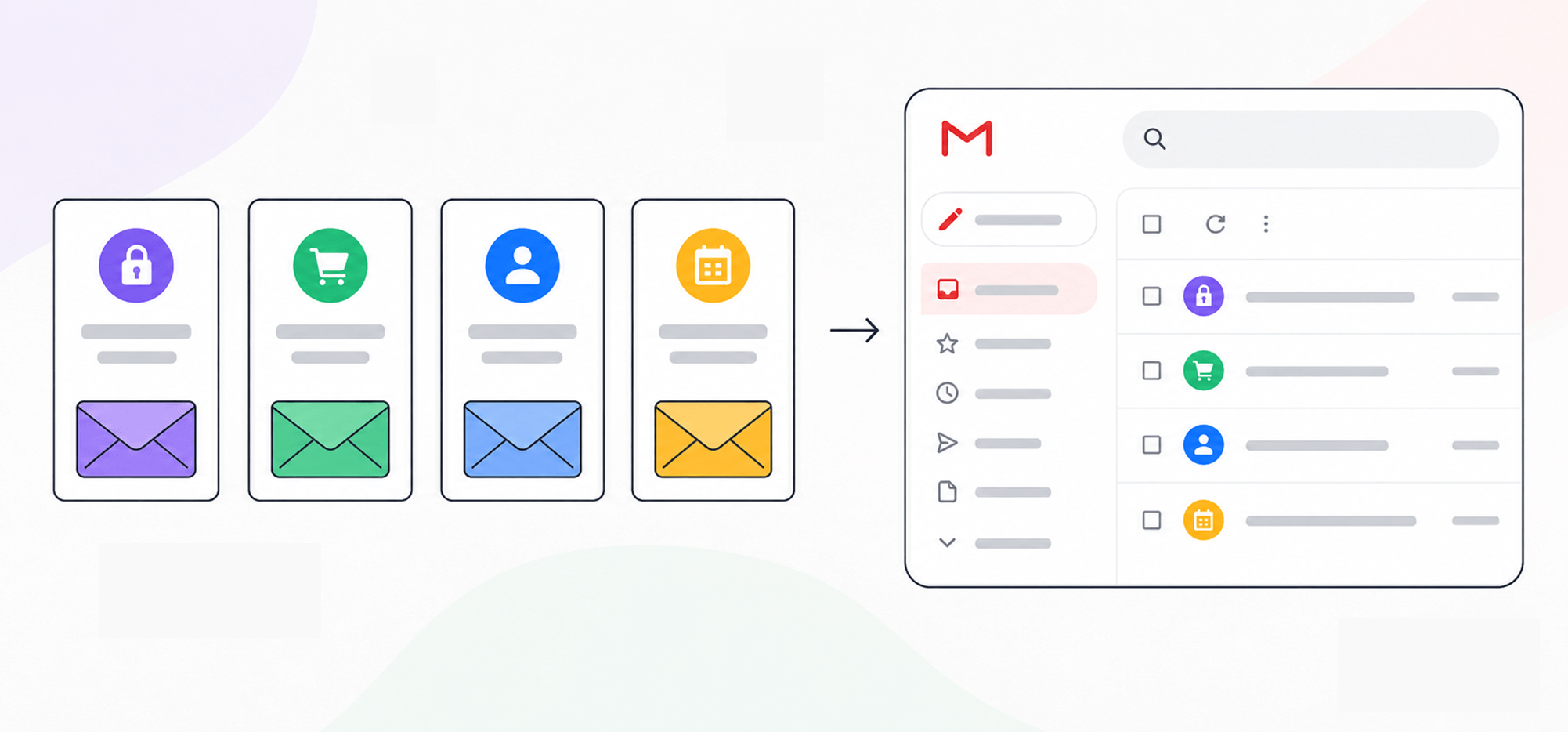
Yeah… you need to keep your transactional email deliverability high.
First of all, because they’re essential (emails with password changes and account updates are things customers need to receive).
But second of all… because they really aren’t spam.
In virtually every case, your customers both need and (yes) want to get transactional emails.
If you suspect your transactional emails are going to spam, there’s a standard checklist for fixing things: get a dedicated IP, warm it up thoroughly, separate your marketing and transactional sending streams, monitor your reputation.
But that’s not the universal solution. That checklist makes sense for high-volume senders; for others, it can range from a waste of effort to actually causing more harm than good.
What’s right for you depends on two things:
- How much transactional email you send
- How steadily you send it
In this article, I’ll cover the right approach to transactional email deliverability based on your sending volume. And I’ll also cover some tips for spotting when your transactional emails might be going to spam and why it might be happening.
Transactional Email Deliverability: Table of Contents
- The Right Approach to Transactional Email Deliverability, Based on Your Volume
- Why Transactional Emails Land in Spam
- Transactional Email Authentication: SPF, DKIM, and DMARC
- How to Tell If Your Transactional Emails Are Going to Spam
- Transactional Email Deliverability: Takeaways and Next Steps
(Note: This article is about deliverability specifically and assumes you know what a transactional email is. For the fundamentals, like how they differ from marketing emails, start with our guide to what transactional email is, then come back.)
The Right Approach to Transactional Email Deliverability, Based on Your Volume
You’ll find the right setup here based (again) on two things:
- How many transactional emails you roughly send, or expect to send, each day
- How consistent and steady that volume is going to be
High volume (~7,500/day and up): Go with the full playbook
If you’re blasting out transactional emails all day, every day, the “standard checklist” I alluded to in the intro is right for you, and you should follow it.
- Where the line sits: Some of the big transactional infrastructure providers set different numbers on this (Mailgun says 50k/week, Postmark 300k/month)… basically, it’s “a lot.” I’ll loosely set the lower edge of the band around 7,500+/day steadily
- What to do: You need a dedicated IP. You’ll need to warm it up for a while, probably four to eight weeks, by sending to your most engaged recipients first and ramping up. And, yes, you should split transactional email away from marketing, onto its own subdomain and IP, to keep things clean.
- Why separate it from marketing? That isolates your reputation. So even if a marketing campaign gets an unusually high spam report rate, your transactional emails keep flowing on separate infrastructure.
- The tradeoffs: This is an expensive, time-consuming route, and one that needs constant vigilance and maintenance. Like… maintaining this could be a person’s full-time job.
- Top providers: Amazon SES, SendGrid
At this volume, the infrastructure pays for itself. But for lower volume senders, it’s almost certainly overkill…
Medium volume (>1,000/day): The trap of the middle
This is the trickiest level, because it sure feels like you’re sending a ton of transactional emails — but you’re actually a level down from where you might think.
- Where the line sits: You’ve blown past the small numbers you used to do… but you’re below the line where you have the consistent high volume that makes sense for a dedicated IP. This is in the thousands a day range; or, if you want a different framing, >30,000/month.
- What to do: Avoid the trap that says “you’re a serious sender now, get a dedicated IP.” Because believe it or not, that dedicated IP at your volume and sending pace could actually lead to worse deliverability. You’re likely going to be better off joining a good shared pool, because to a mailbox provider an IP that sends little and sporadically looks inactive.
- Won’t shared senders hurt my reputation? I mean, they could, but if you’re with a well-managed provider, they should be working to keep the quality high. (And to rotate out struggling IPs from their shared pool.)
- The tradeoffs: You don’t have sole control over your reputation.
- Top providers: Resend, Postmark
I’m serious. I know it feels like you should be moving up into the dedicated IP world with the other big transactional senders. But if you do that prematurely, it can do more harm than good. (Plus it’s way more expensive.)
Low Volume (<1,000/day): Piggybacking off an established reputation
If you’re sending a relatively low volume of transactional emails — plus some days you send a ton and other days just a few — you shouldn’t go anywhere near dedicated IPs.
Instead, you can use a shared pool… or, even better, just ride Google.
If your transactional volume fits inside a normal Google account’s daily sending (up to 500 a day on regular Gmail, up to 2,000 a day on Google Workspace) your reputation problem is largely solved for you.
- Where the line sits: Low volume of transactional emails without a consistent volume.
- What to do: Use a provider that can send through Google. Then all the usual deliverability concerns are largely handled for you, since Google has pretty much the best-managed sending reputation on the internet. (Alternatively, you could sign up with a low-volume transactional SMTP plan. But then you still have to worry about the issues I’ve covered above.)
- Are you sure I don’t need separate infrastructure? I am. In fact, if you try to use a dedicated IP at your volume, your reputation will tank from a lack of volume and consistency and it will make things worse.
- The tradeoffs: You’ll need to use your Gmail/Workspace account (or a separate one) and expect a whole lot of emails sending through it. So if you do start creeping up past 1,000/day and closer to 2,000/day, you may hit your account limits.
- Top providers: GMass, ZeptoMail
Can I really just send transactional emails through Gmail?
Yes, you really can send transactional emails through Gmail.
If you don’t know GMass, it’s a Chrome extension that actually transforms Gmail into a full email sending platform. So you can send marketing emails, newsletters, cold outreach, mail merge, and, yes, transactional emails all through a Gmail/Google Workspace account.
That way your transactional emails piggyback off Google’s sender reputation. Plus you can stop paying separate bills for all your different types of emails (and juggling separate apps) and just do all of your emailing from Gmail.
You can actually test it out in Gmail for free, for both email campaigns and transactional emails. You can get started with campaigns by downloading the Chrome extension; you can test the transactional SMTP by following these quick instructions.
Why Transactional Emails Land in Spam
So let’s put send volume and consistency aside for a moment.
Regardless of how many you’re sending, there are some universal reasons why your transactional emails might be going to spam.
It’s usually NOT because some spam filter figured the recipient wouldn’t want it — as I’ve already said a few times, people usually do open and act on transactional emails.
Instead, it’s generally because of larger reputation problems or some missing fundamentals.
- Authentication missing or incorrect. This is such a big one I’ll cover it in depth in its own section below. But yeah, SPF, DKIM, and DMARC are all important. And at high volumes, they’re not just important but mandatory.
- Reputation bleed from marketing. If your receipts and your promotional campaigns share a domain and IP, some marketing emails getting marked at spam can drag the whole domain’s reputation down.
- Bad neighbors on shared pools. On shared IPs, other senders’ spam complaints can become your problem too. Again, that’s why my the middle-tier advice earlier was to find a reputable provider, not just any old shared pool.
- Promotional creep. In the U.S., CAN-SPAM allows a little wiggle room on transactional emails; they don’t have to be 100% transactional, that just has to be the “primary purpose.” But your recipients don’t know that. So if you send a transactional email that’s borderline promotional — but, because it’s transactional, it doesn’t have an unsubscribe link and it can go out to people who unsubscribed from your marketing emails — then spam reports can really flood in.
Transactional Email Authentication: SPF, DKIM, and DMARC
Setting up authentication is one of those deliverability fundamentals — maybe the fundamental. So I’ve got to talk about it here (but if you’ve already heard this broken record before, go ahead and skip on ahead.)
Take the five to 10 minutes to set up SPF, DKIM, and DMARC. If you don’t know what those are, they basically help prove you are who you say you are and you’re authorized to send emails from your domain.
Google, Yahoo, and Microsoft all now require them — and your emails, including transactional emails, will likely not get delivered without them.
Here’s Google’s explicit bulk sender rules (though Yahoo and Microsoft don’t spell them out exactly the same, assume they’re operating pretty similar):
- Every sender, at any volume (even at 10 transactional emails a day). You must authenticate with at least SPF or DKIM, plus DMARC. Being under the bulk threshold is not a pass.
- Bulk senders (5,000+ messages a day to gmail.com addresses). You need SPF, DKIM, and DMARC, a spam-complaint rate under 0.3%, and one-click unsubscribe. (Though transactional emails don’t need to include an unsubscribe link.)
Wondering if you already have some or all of these set up? Here’s a free email authentication tester you can run.
How to Tell If Your Transactional Emails Are Going to Spam
Deliverability is weirdly anecdotal. Yes, there are ways to definitively test (I’ll get into those here) — but a lot of the time, you won’t know until a customer complains. Or until your friend tells you that one of your messages went to their spam folder.
Here are two signals you can use to spot potential deliverability issues early.
Deliverability signal one: Open rates
Transactional emails usually have pretty high open rates and click-through rates, because people want their receipts and reset links.
That means their open rate is usually pretty high and pretty stable.
So if there’s a sudden drop in your transactional email open rates, that’s a red flag.
(And no, you can’t blame it on the whole “open rates are dead I heard Apple automatically opens all your messages and some guy on Reddit said relying on open rates shows I’m an amateur and I don’t want to be an amateur.” Again, transactional open rates are high. So a relative drop means something, because the pre-fetching number stays consistent.)
Deliverability signal two: The authoritative sources
The open rate drop is usually a “canary in the coal mine” situation — once you see that drop, it’s time to get some more definitive information.
Google Postmaster Tools is the first one. While it won’t tell you exactly your spam percentage, it will show you how your sender reputation is doing. And if it’s in the “poor” range… then yeah, you’re having deliverability issues and need to rebuild.
The other more definitive answer is an inbox placement test (like GMass’s Spam Solver). That’s a tool that actually sends your emails to real addresses to monitor if it’s going to the inbox or spam folder.
Transactional Email Deliverability: Takeaways and Next Steps
Transactional emails should have high deliverability.
If yours don’t, there are a handful of common reasons why.
Authentication is the one universal; every sender needs SPF, DKIM, and DMARC at any volume. Everything else scales with how much you send to keep your reputation strong:
- High volume: the full playbook (including a dedicated IP, warmup, and a separation from your marketing email stream) is correct.
- Middle volume: a reputable shared pool beats the dedicated IP you can’t keep warm.
- Low volume: build nothing, and let a well-managed reputation like Google’s do the heavy lifting.
The most common and most expensive mistake in transactional email is doing the high-volume things at low volume, where they can quietly make deliverability worse.
If you’re in that low-volume tier and already using Gmail or Google Workspace for other emails, running transactional email through your own account is worth a look.
It brings your receipts, resets, and notifications into Google and saves you a lot of deliverability headaches (not to mention a lot of cost).
GMass is a great option for consolidating all your emails into Gmail — from marketing to outreach to transactional. (It’s why 400k users are using GMass to bring their campaigns into Gmail, and give it an average of 4.8 out of 5 stars across 10,000+ reviews).
You can try GMass’s transactional email SMTP relay for free. Go here to get started, drop it into your system, and watch your transactional emails start flowing smoothly through Gmail.