

I’m sorry to report that the transactional email ecosystem isn’t particularly focused on low-volume transactional email senders like you. And me. And a whole lot of others.
That’s because transactional email is usually a scale game. Companies sending tens of thousands, hundreds of thousands, or millions of emails a day — and requiring things like dedicated IP addresses, orchestrated warmup schedules, an army of sending subdomains, and more to do it.
But you’re here because that’s not what you want.
You need to send a far more modest volume of transactional emails; something ranging from a handful to a few thousand a day.
That’s who I work with, and that’s why I put together this article to cover the neglected side of the transactional email world.
In this article, I’ll cover why the high-volume transactional email advice doesn’t apply to low-volume senders — and might actually work against you.
I’ll also cover four of the best low-volume options as well as the ways I’ve seen a whole bunch of different businesses and roles use low-volume transactional emails.
Let’s dive in.
Low-Volume Transactional Email: Table of Contents
- Why the Usual Transactional Email Advice Backfires at Low Volume
- 4 Best Transactional Email Services for Low-Volume Senders
- Low-Volume Transactional Email Examples, by Business Type
- So What’s the Easiest Way to Send Low-Volume Transactional Emails?
Why the Usual Transactional Email Advice Backfires at Low Volume
I’m guessing you went looking for a transactional email service but everything sounded like overkill for you.
And you’re right.
But it’s not just overkill, it’s overkill that’s potentially worse than… um… underkill?
That’s because transactional emails have their own set of deliverability challenges, and the infrastructure and methods for high-volume senders aren’t the same as those for low-volume senders.
Here’s why.
Dedicated IPs need volume to keep up deliverability
A dedicated IP address needs a steady, predictable cadence of emails flowing through it to keep its reputation.
Big senders have the volume (and engagement on that volume) to sustain the IP’s deliverability all on their own.
But low-volume senders don’t. If a dedicated IP has some days with just a handful of emails and, perhaps, occasional spikes of bigger bursts, that’s a recipe for poor deliverability.
So if you buy a dedicated IP, you’d be paying more money for worse deliverability.
You need to be either on a shared sender pool or you need to send through email infrastructure that’s already reputable.
Complex warmup processes are basically unnecessary for low volumes
Even at low volumes, you need to do some warmup on your sending domain by gradually ramping up volume.
But ramping to a few dozen emails (or even a few hundred) is a pretty quick process. Transactional emails tend to get good engagement, so you can likely even warm up just by sending small, real batches; in other words, warmup will likely happen naturally with your sending patterns.
Later on I’ll talk about sending low-volume transactional emails through Gmail. That alone is great for deliverability since you’re sending through their super reputable servers.
You don’t need a long, highly-orchestrated, and high-priced warmup process. And it’s best for you not to overwhelm yourself with that unless you really have to.
Splitting onto separate subdomains might actually hurt you overall
The advice for large volume senders is to split transactional emails onto one subdomain (or separate domain) and keep marketing emails on another. The rationale is: If marketing emails get marked as spam, you don’t want that affecting your crucial transactional emails’ deliverability.
But…
If you’re sending lower volumes (and I mean, like, less than 50,000 transactional emails a month), you really don’t need to do that. And it’s likely that you’re better off keeping everything on one sending domain so your different genres of emails can help each other’s reputations.
4 Best Transactional Email Services for Low-Volume Senders
So… what services are going to handle your smaller but real transactional email sends?
Here are four popular options with some quick pros and cons.
Postmark
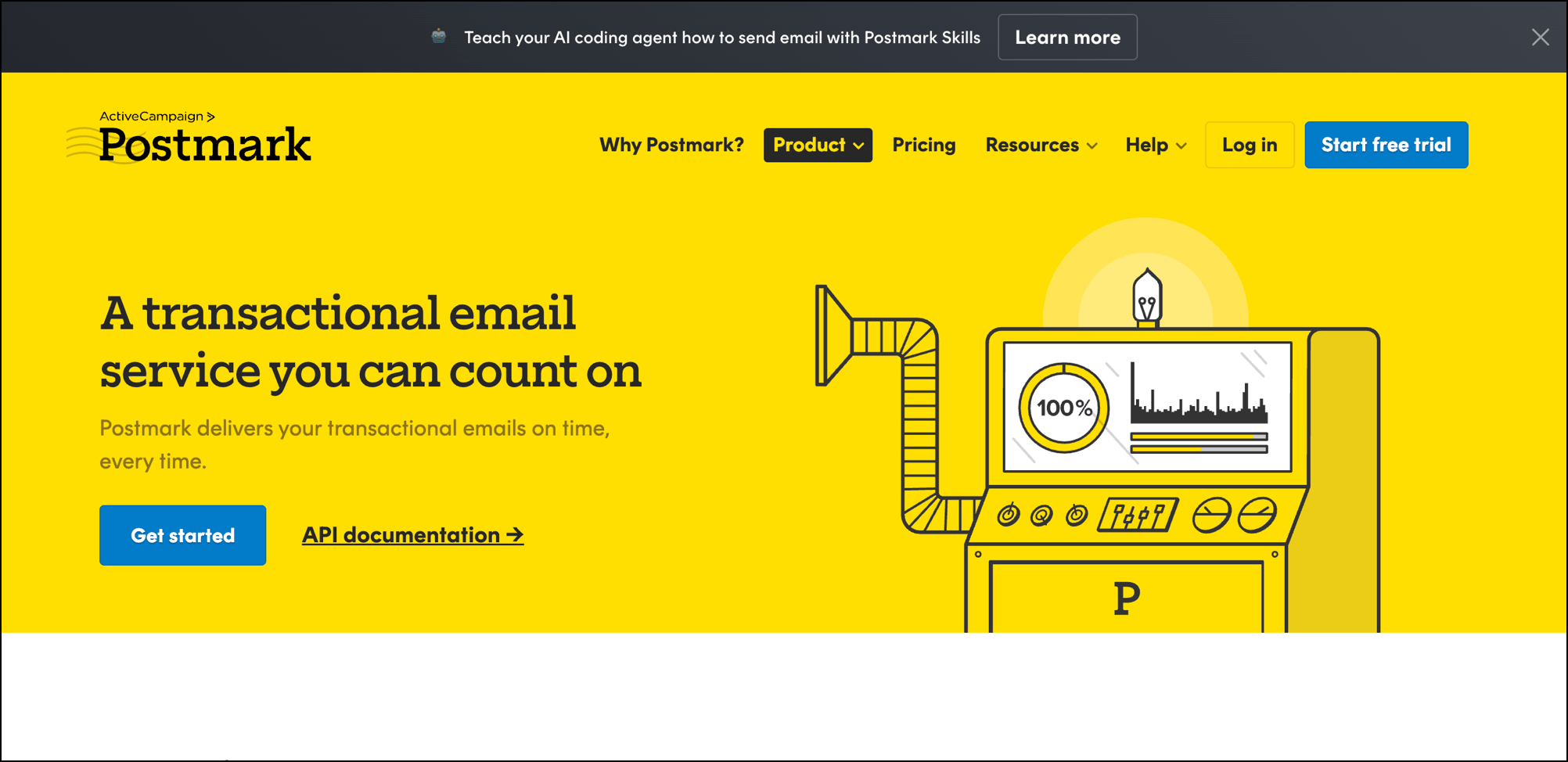
Postmark is one of the big-name dedicated transactional email providers (though they were acquired by a bigger name, ActiveCampaign, in 2022).
With their free tier you get 100 transactional emails a month, so that’s low low volume. Paid plans start at $15/month for 10,000 monthly emails (an average of ~333/day).
You’re going to be on their shared IP pool so you don’t have to worry about building your reputation from scratch — but you’d also better make sure you’re not the problem. If your spam complaint rate crosses a pretty low bar (~1 out of 200), they’ll likely boot you.
Twilio SendGrid
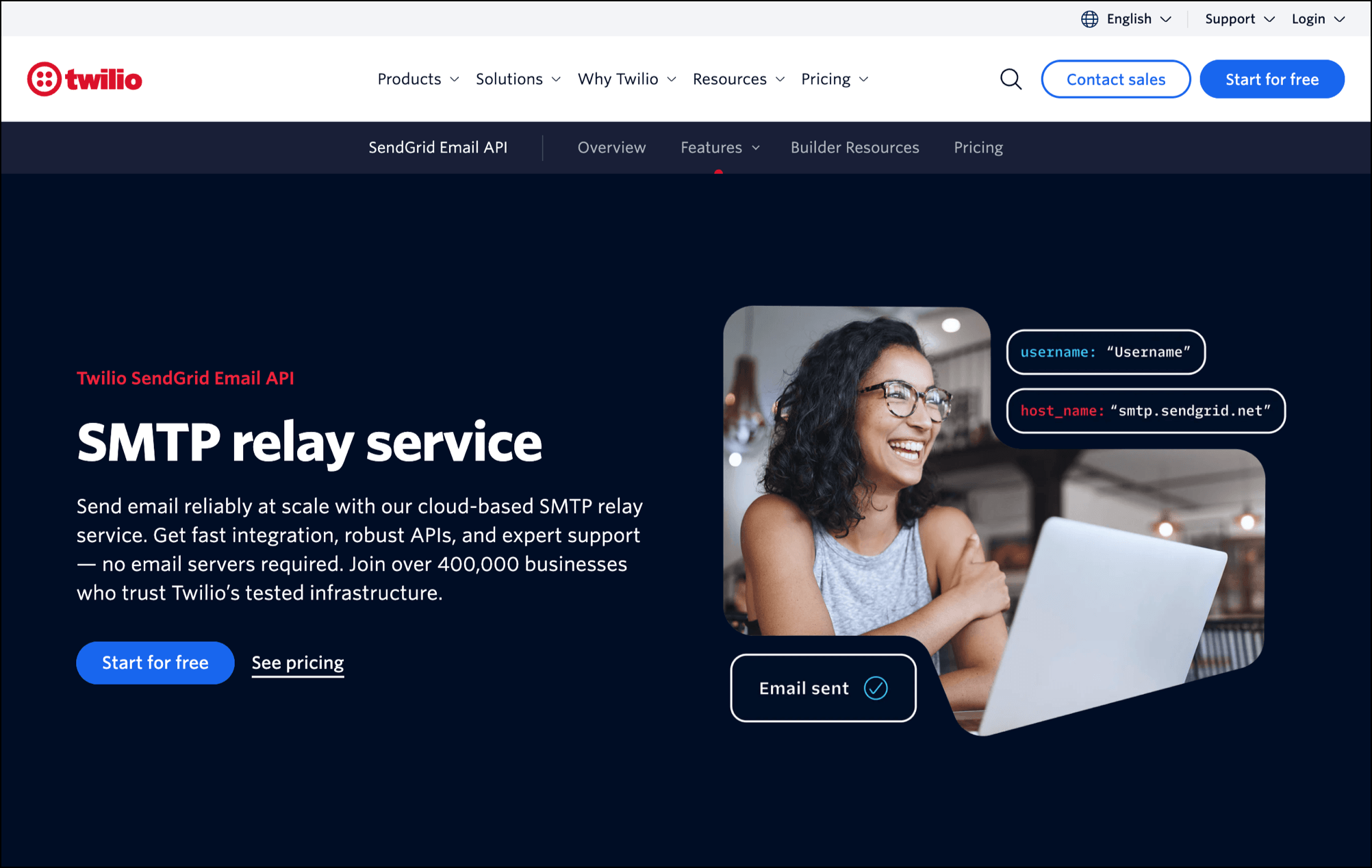
Twilio SendGrid (which you almost certainly just call “SendGrid”) is the biggest name in transactional email.
And yes, even though they’re handling people who send fifty billion transactional emails a day — like, from what I can tell, the car dealership who really wants me to trade in my lease — they can also handle your low-volume needs.
They used to have a “free forever” plan, but it turns out “forever” really meant “until 2025” because it’s gone now.
The price starts at $19.95/month for up to 50,000 transactional emails per month. The setup tends to dip its toe into the technical side of things (I hear that from a lot of people who then look for an easier option).
And again you’ll be part of a shared sending pool, so your reputation hinges on everyone else in there behaving.
ZeptoMail
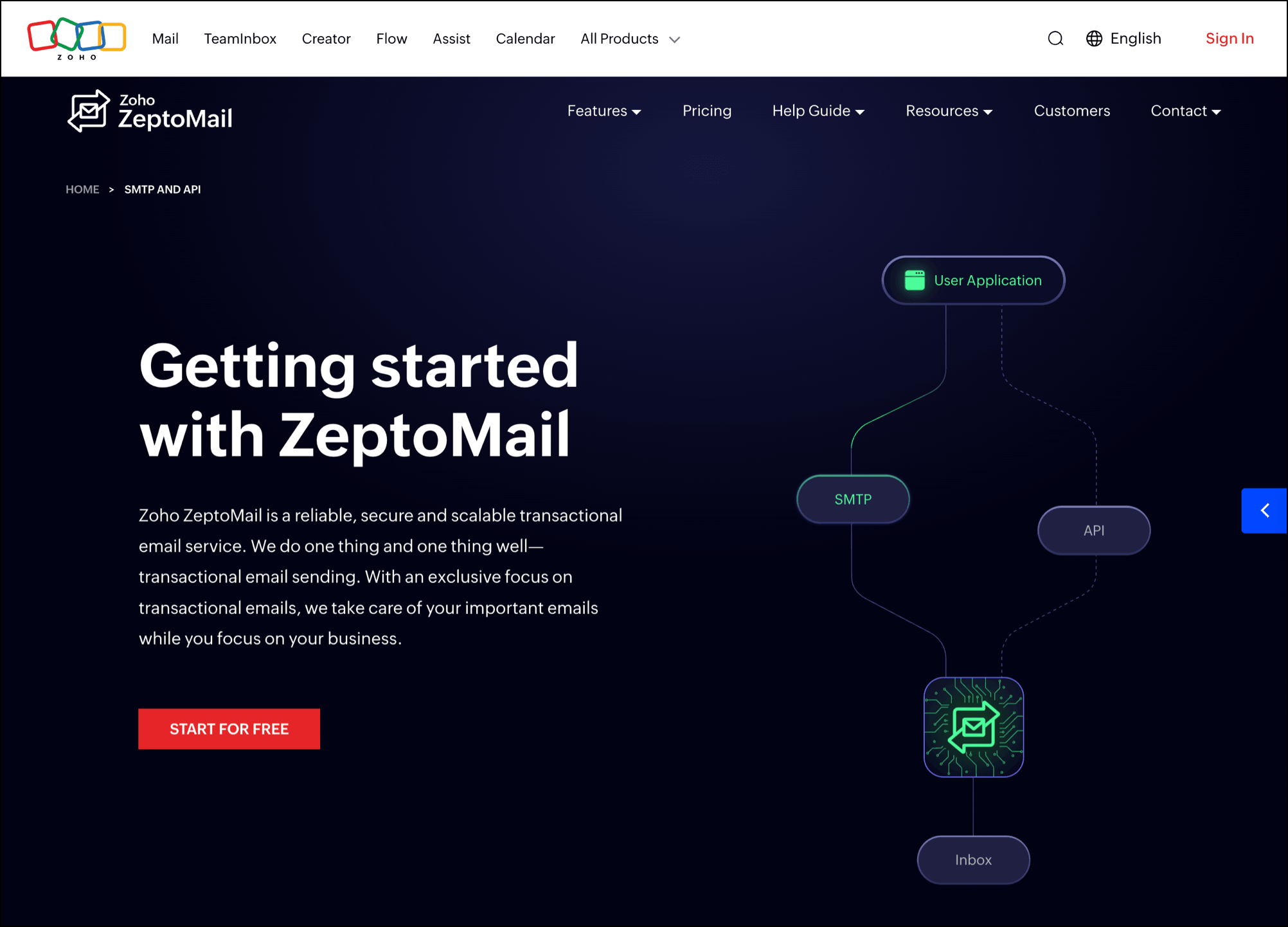
ZeptoMail is Zoho’s transactional service. Here you’re paying by credits rather than by monthly plan. You buy the credits in packages of $2.50 for 10,000 emails (credits are good for six months). So this is certainly a cheap route for low volume senders.
The problem here is, anecdotally, a bit of an unpredictable shared sender pool. Some people say it’s amazing, some say it’s unreliable. They offer dedicated IPs for $360/year but, as we said earlier (and they even say on their pricing page), those aren’t a great fit for lower-volume senders.
Still… hoo boy, look at that cheap pricing. This is the value option for sure.
GMass
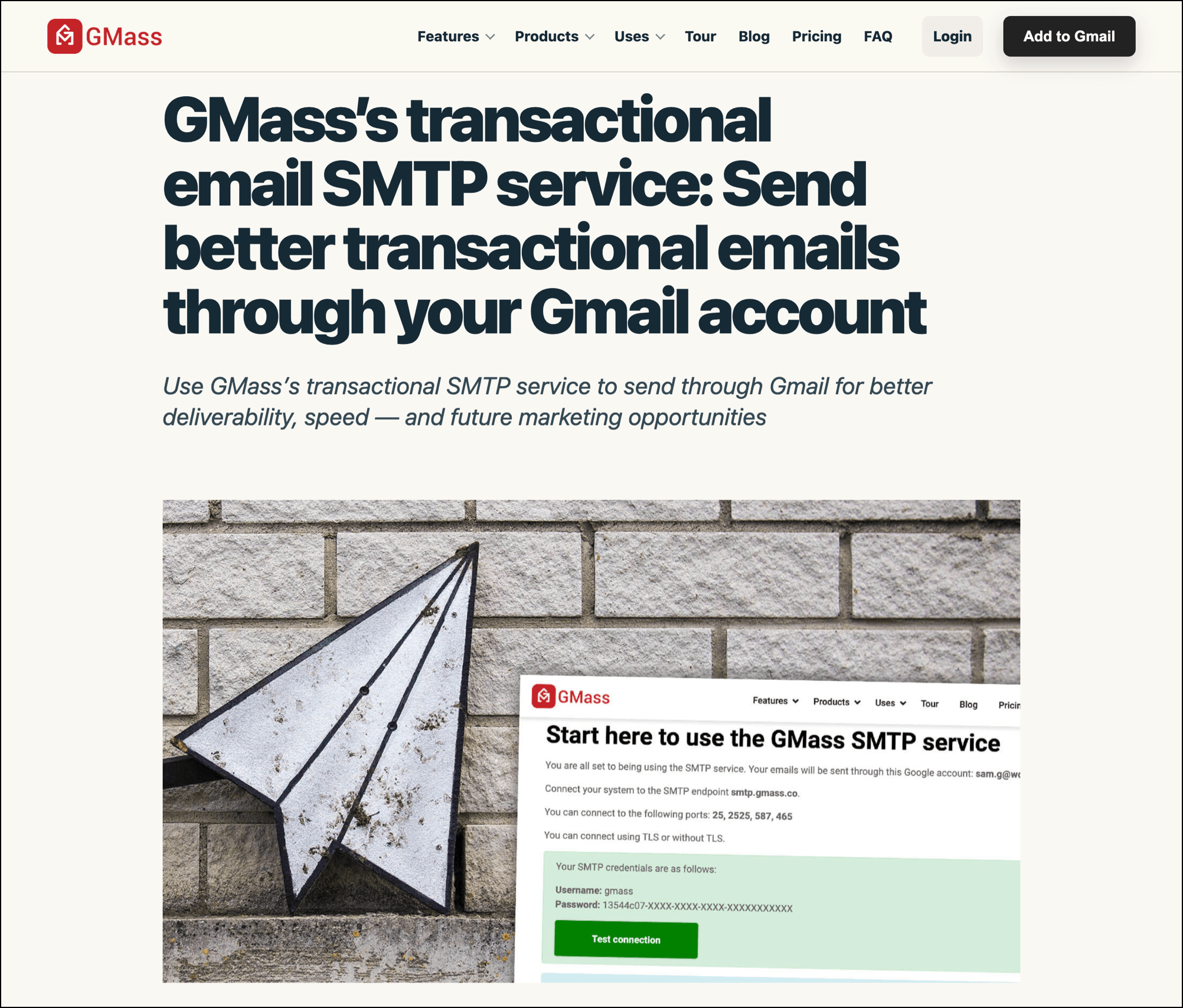
So this is a different approach to transactional email and to solving the low-volume deliverability question.
GMass actually sends transactional emails through your Gmail or Google Workspace account rather than a different network (like all the other services do).
That makes the technical setup the easiest of any option. It also makes the process of establishing and maintaining your sending reputation the easiest, since you’re just piggybacking off Google’s reputation.
So why isn’t everyone just using this? Two caveats.
One, you’re bound to Gmail’s limits (up to 500 emails/day for free accounts and up to 2,000/day for paid Workspace accounts). So if you’re on the higher end of low-volume senders (ha), you may need more.
And two, transactional emails are part of the GMass suite, not a standalone service.
Now, that can be a good thing — overall, GMass is by far the cheapest way to consolidate all of your sending, from marketing emails to mail merge to outreach to transactional, in one service. Plus your transactional emails are in your Gmail Sent folder, so you can easily use them to build targeted marketing lists.
But if you only want transactional emails, the other senders on this list will cost less just for that.
Low-Volume Transactional Email Examples, by Business Type
Here at GMass, I get to work with a lot of folks who are using us for transactional email — so I’ve learned quite a bit about what types of businesses have low-volume transactional needs and what kinds of emails they send.
These are some of the most popular ways different businesses use low-volume transactional email with GMass.
Booking/Scheduling
A low-volume transactional sender slots nicely into a booking system (usually you can just drop a few lines into your software to make the connection).
- Spas and massage studios. Booking confirmations, appointment reminders, receipts, review requests.
- Salons and barbershops. Confirmations, reminders, waitlist openings when a slot frees up.
- Tattoo studios. Deposit receipts, confirmations, aftercare instructions.
- Driving schools. Lesson confirmations, test reminders, rescheduling notices.
- Veterinary clinics. Appointment reminders, vaccination due notices and other recurring reminders.
- Photographers. Session confirmations, “the proofs are ready” notifications, receipts.
- Tour and guide operators. Trip confirmations, weather and other updates, cancellation confirmations.
- Coworking spaces. Room bookings, renewal reminders, receipts.
Billing/Payments
Using automated transactional emails is always better than hand-crafting every billing email (and also cuts out procrastination).
- Bookkeepers and accountants. Invoices, payment reminders, deadline notices.
- Property managers and HOAs. Rent reminders, late payment warnings, price updates.
- Equipment rental and storage. Invoices, renewal notices, overdue alerts, credit card expiration/failure notices.
- Freelancers and consultants. Invoices, confirmations, receipts.
- Agencies. Invoices, monthly statements.
- Farm shares and CSAs. Subscription renewals, failed payment notices, seasonal signups.
Accounts/Access
If it’s not impossible it’s near impossible to manually email people quickly when they need to get into their account.
- Apps/SaaS. Password resets and confirmations, email verification, magic links, account deletion confirmations, payment receipts… pretty much everything.
- Online course platforms. Enrollment confirmations, course access credentials, reminders, new class notifications, completion certificates, credit card expiration notices.
- Clubs and gyms. Membership activation, renewal reminders and notices, door code changes, policy updates.
- Subscription services. Plan changes, expiry warnings, reminders.
Service
I see a lot of service businesses using GMass for transactional emails, which makes sense: It’s low volume and they’ve consolidated all their other types of emails (outreach, newsletters, and so on) under GMass as well.
- Lawn care and landscaping. Service scheduling confirmations and reminders, job complete, invoices.
- HVAC and plumbing. Appointment reminders, reports, quote follow-ups, invoices.
- Pest control. Treatment scheduled reminders, automated renewal/follow-up reminders, warranty reminders.
- Cleaning services. Booking confirmations, invoices.
- Pool service. Confirmations, service summaries, renewal reminders, seasonal reminders.
Applications/Enrollment
These often come in bursts (lots of messages during one season, very few the rest of the year).
- University departments and admissions. Application received, decision notices, deposit reminders, all the other details.
- Trade schools and continuing education. Enrollment confirmation, schedules, certifications, notifications.
- Summer camps and daycares. Registration confirmation, form reminders, waitlist updates, invoices, payment received notifications, policy updates, schedule updates.
- Research labs. Participant screening, session scheduling, notices.
Internal Comms/Notifications
One of the more surprising things I’ve found is quite a few businesses (roughly 15% of those sending transactional emails through GMass) use it for internal communications.
- Restaurants and retail stores. Daily close-out reports, stock alerts, schedules.
- Clinics and medical offices. Cancellation alerts, schedule changes.
- Finance and procurement. Purchase orders, approvals needed/granted/denied, expense submissions, warnings.
- Property management. Maintenance requests, vendor updates, work order status, policy updates.
- Schools. Updates, incident notifications, staff announcements.
- Recruiting. Pretty much everything, from submissions to interview schedules to candidates submitted to job updates.
Infrastructure/Developer Alerts
You likely use an alerting system (text.email for email to SMS perhaps?) but keeping a log in email is also worthwhile.
- Cron jobs and scheduled scripts. Failure notices, completion confirmations, quota warnings.
- Monitoring and uptime tools. Downtime alerts, health check failures, certificate expiry warnings.
- Self-hosted software. Anything with an SMTP block.
- WordPress notifications. Hey, it’s ok, I’m still using WordPress too.
- Internal admin panels. Dashboard updates, notifications, warnings.
- Homelab and NAS boxes. Backup reports, disk warnings, downtime alerts.
Events/Ticketing
Events require a whole lot of email.
- Event venues and theaters. Ticket delivery, event reminders, cancellation notices, policies, follow-ups.
- Sports leagues and clubs. Schedules, changes, weather postponements, updates.
- Breweries, galleries, and tasting rooms. Event RSVPs, tour confirmations, release announcements.
- Churches and nonprofits. Volunteer shift reminders, donation receipts, reminders, credit card expiration notices.
So What’s the Easiest Way to Send Low-Volume Transactional Emails?
Not everyone sending transactional emails needs the standard, high-volume setup with dedicated IPs, a complex technical setup, and a correspondingly large bill.
If you have low-volume transactional email needs, the easiest setup — and the one that helps you avoid all the technical complexity and deliverability challenges — is sending them through Gmail with GMass.
Plus, they’re just a part of what you get with GMass — you can also now send every other type of email campaign through Gmail too, from mass emails to mail merges to outreach.
Want to give it a try? Here are the instructions for setting up transactional emails in Gmail with SMTP, and here are instructions if you need to use the API. (Either way, any AI tool can walk you through all of this in a few minutes flat.)
Come see why 400,000+ people rely on GMass for every type of email, and why they give it an average of 4.8 out of 5 stars across 10,000+ reviews.