
Most Windows disk space monitors suck
GMass runs on a farm of Windows servers, and as the chief systems administrator, one of the constant worries in the back of my mind is whether any…
Practical guides, product updates, deliverability research, and experiments from the team building GMass.
GMass runs on a farm of Windows servers, and as the chief systems administrator, one of the constant worries in the back of my mind is whether any…
We’ve introduced a new enhancement to our popular auto follow-up feature which will send sequential follow-up emails in stages to people until they reply (or open, or click,…
It’s been a long time in the making, but GMass finally works with Google Inbox. We’re so excited that we’re celebrating with a relaunch of GMass on Product…
In Gmail you have the ability to send not only from your @gmail.com or G Suite email address, but also any “alias” From Addresses that you configure in…
I’m launching an email newsletter today focusing on Gmail productivity! If you’re a GMass user, then you’re also one of the 1 billion+ Gmail users on the planet.…
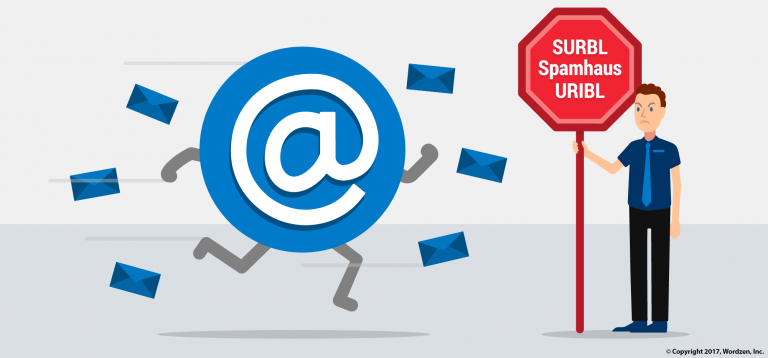
Domain blacklists have been used to filter email for years, and in this comprehensive guide, I’ll cover: The most popular public domain blacklists and lesser known, but equally important, private…
There are certain, specific situations where you may be eligible for a refund from GMass. For example: Incorrect email. You subscribed the wrong account and want a refund…
I just fixed a bug that was causing non-English characters in the To “Name” of a sent email to be corrupted. On the receiving end, the recipient, while receiving…
While 99% of GMass users experience the highest email deliverability they’ve ever experienced through any email marketing platform, sometimes users will ask us for help with a deliverability issue, because…
Exciting news! We’ve re-engineered how GMass connects to Gmail to make it so that you can send Gmail mail merge campaigns that are a whopping 35 MegaBytes in…
Using a combination of Gmail, Google Sheets, and GMass, you can easily set up automated birthday emails to go out on people’s birthdays or any other specific date…
You can now create and apply your own custom Gmail Labels to campaigns, to help you keep your mail merge campaigns organized. For example, if you’re sending emails…
GMass is easy to learn and easy to use — but brings unbelievable email power into Gmail.