
 |
List Management > Share unsubscribes and bounces |
I want to share my unsubscribe and bounce lists with my team
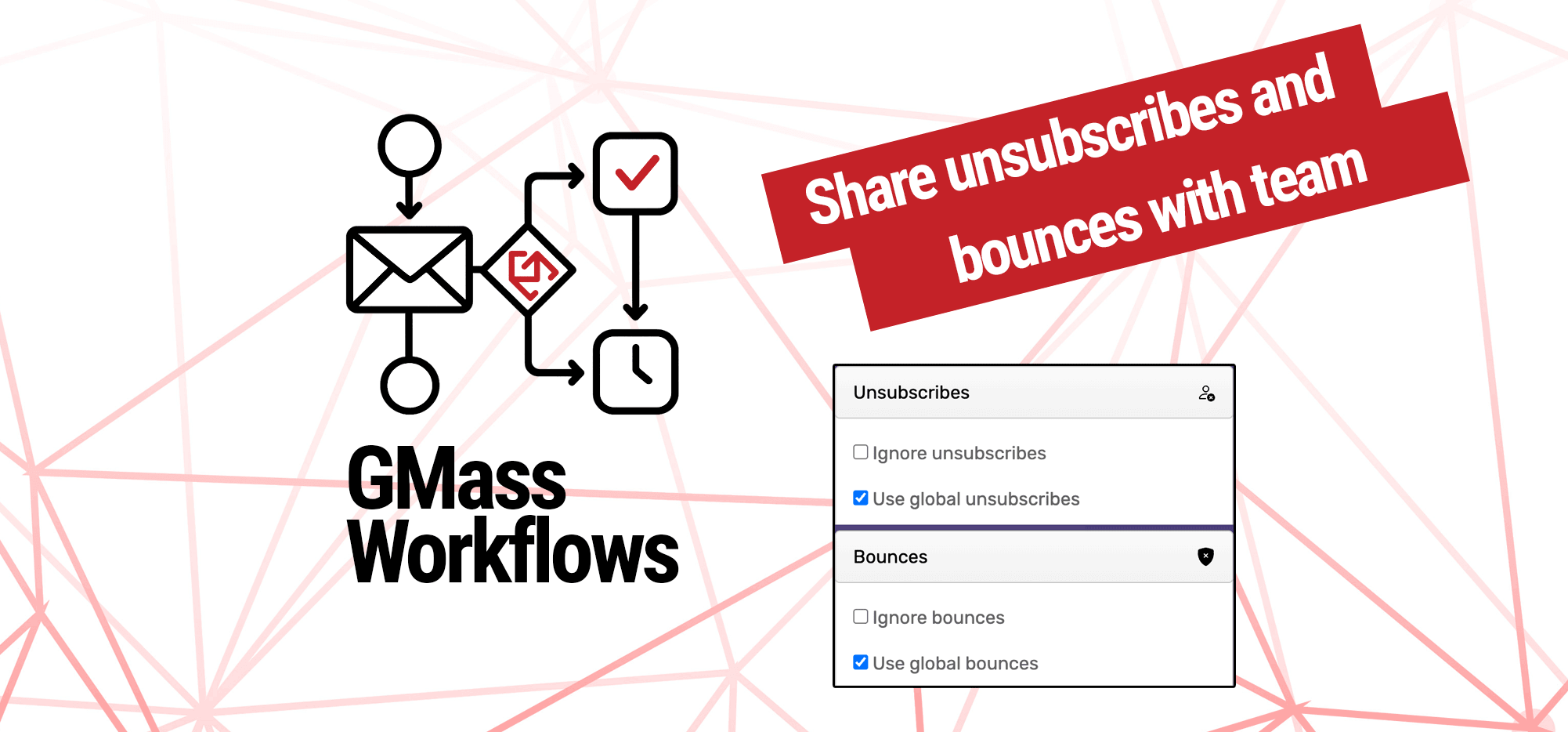
One of GMass’s most popular feature for teams and coworkers are shared unsubscribes and bounces.
You can automatically share your unsubscribe and bounce lists with everyone on the same email domain as you (e.g., yourcompany.com) as well as everyone on the same team plan as you even if they’re using a different sending domain (e.g., ourothercompanyaddress.com or even gmail.com).
Here’s how to turn on global unsubscribes and global bounces so your lists are shared with everyone on your team.
Step-by-step guide
1. Go to the GMass dashboard for your account and open the Unsubscribes section of the settings
Head to the GMass dashboard. Click on the gear icon to open the Settings. We’ll need to use the Unsubscribes and Bounces sections here.
First, click into the Unsubscribes.
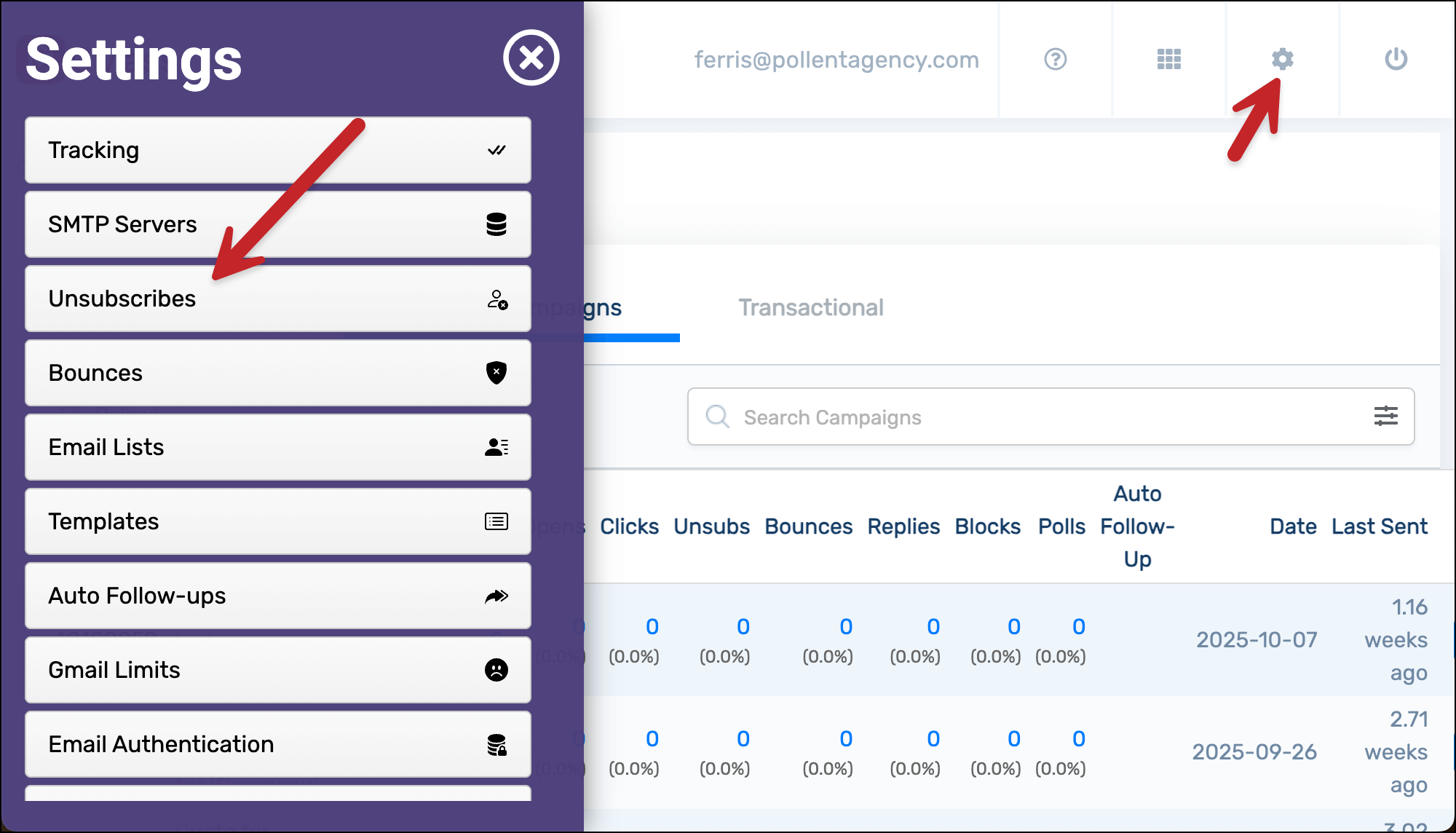
2. Turn on global unsubscribes and bounces
Check the box to turn on Use global unsubscribes.

Then click the Save unsubscribes button.
Now go to the Bounces section of the settings in the dashboard and check the box to Use global bounces.

Then click the Save bounces button.
3. Make sure your teammates turn on global unsubscribes and bounces
Because you turned on global unsubscribes and bounces, two things are now true:
- When you send a campaign, GMass will check the global unsubscribe and global bounce lists of your teammates (those are people on the same team plan AND people on the same email domain).
- When your teammates send a campaign, GMass will check your unsubscribe and bounce lists and suppress any emails they’re trying to send to people on those lists.
However, there is one scenario that’s not covered. If one of your teammates does NOT have global unsubscribes on, when they send a campaign, GMass won’t check your unsubscribe list. Likewise, if they don’t have global bounces turned on, when they send a campaign, GMass won’t check your bounce list.
So have your teammates turn on global unsubscribes and global bounces. That way, everyone’s sharing everything.
✅ You’re all set.
More resources
- Here’s our full write-up on global unsubscribes and global bounces. It includes more scenarios for when and how lists are shared depending on whether people have these global settings turned on or off.
- And here are more features and benefits for using GMass for teams.