
Use Google Forms and GMass to send surveys and follow-up emails that MAXIMIZE responses
Google Forms provides a fast and easy way to create online surveys, and used with auto follow-up emails from GMass, you can maximize the number of responses you…
People are busy. Their inboxes are crowded. They may not always see your first email. Or second. Or seventh.
That’s why follow-ups are an essential part of any email campaign. Ideally, you’ll send automated messages at just the right cadence to your email list which will catch their attention when they’re ready — and earn you an open, a click, and/or a response.
Here in the email follow-ups archives page, you can read about techniques for writing and sending follow-up emails in your campaigns.
You’ll also find articles about GMass’s world-class suite of automated follow-up features, including the ability to send as replies, send on the perfect schedule, and stop sequences when a recipient takes a desired action.
When you’re done here, you may also like our page that goes in-depth on all of GMass’s follow-up features.
Google Forms provides a fast and easy way to create online surveys, and used with auto follow-up emails from GMass, you can maximize the number of responses you…
As an enhancement to our popular auto follow-up email feature, you can now configure auto followups to send to recipients that didn’t click a link in your email,…
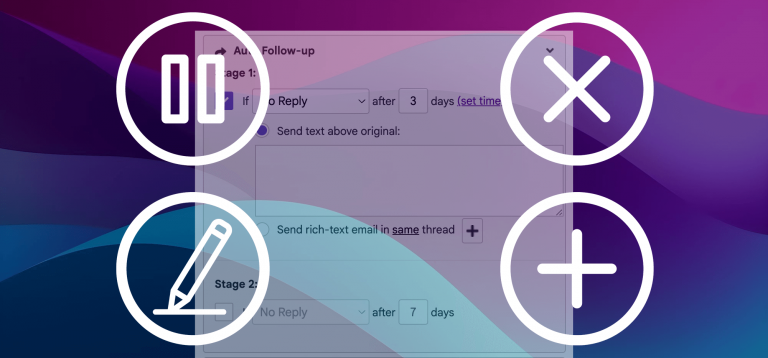
GMass’s auto follow-up feature is extremely popular and powerful — but sometimes, you may find yourself needing to pause, edit, add, or cancel those automated messages. And you…
Using only Gmail and GMass, you can easily set up a series of “drip” emails to be sent in a timed sequence to new people who sign up…
NEW – GMass now allows for unlimited stages of auto follow-ups. This article is now out of date. We’ve just rolled out a major update to the automatic…
GMass users using the email auto follow-up feature may have noticed that their auto follow-ups failed to send sometimes. Below is an explanation of when the issue surfaces…
The automatic follow-up email feature allows you set a an automatic timed sequence of emails to be sent to your recipients until they reply or open or click. Sometimes…
What do you do when you’re checking a campaign’s calendar view to see your auto follow-up schedule… and you spot someone on the list to receive follow-ups who…
Automated email follow-ups in Gmail Overview: Learn how to set automatic follow-up email campaigns to be sent after an email campaign is sent, to increase your response rates…
You can now send a new campaign based on actions your contacts have taken on previous campaigns. Want to send a follow up to everyone that DIDN’T open…
GMass is easy to learn and easy to use — but brings unbelievable email power into Gmail.