
 |
Automations & Sequences > Send dynamic monthly email |
I want to send a monthly reminder email, but the list changes each month
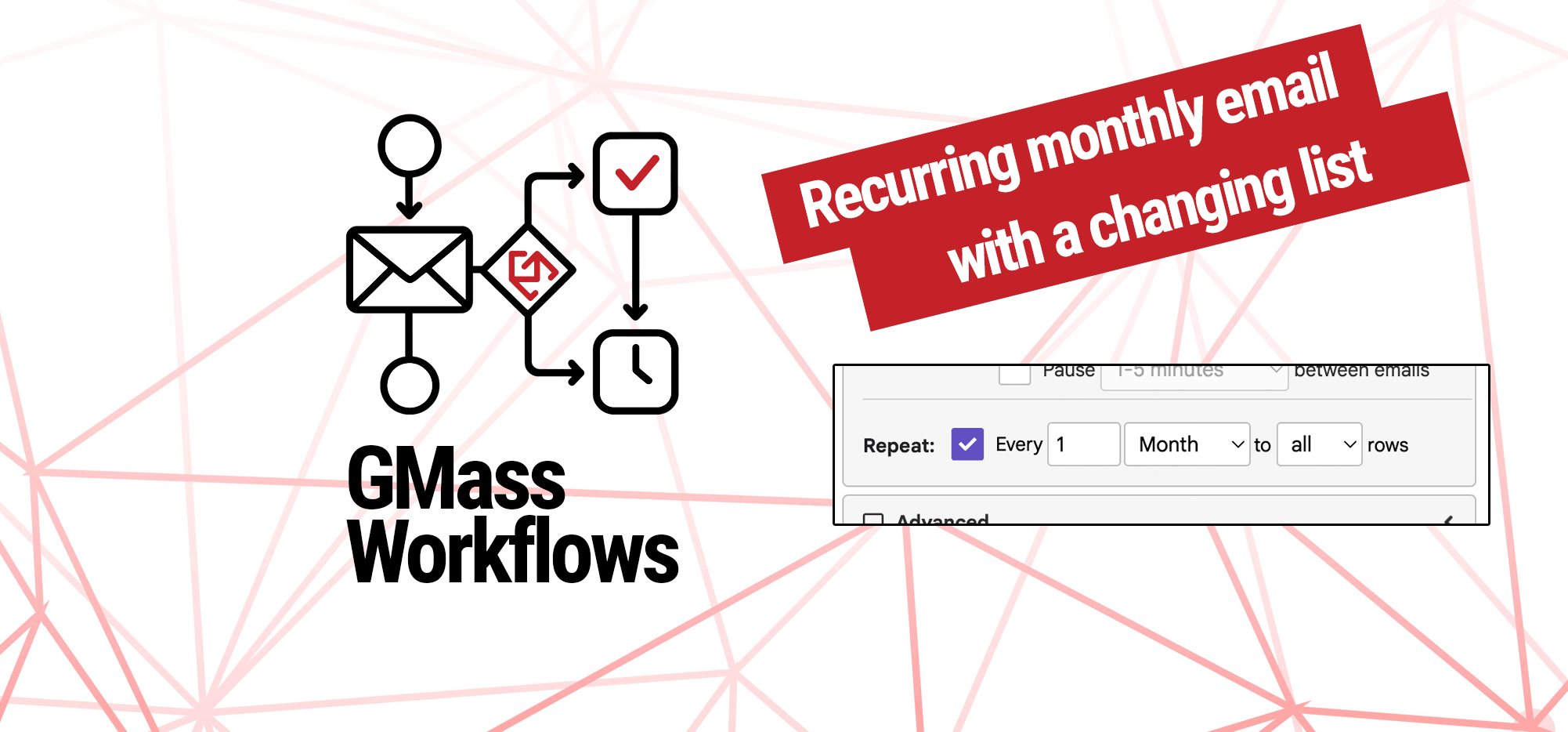
Want to send a recurring monthly email to your list — but the list is always changing?
Thanks to GMass’s dynamic lists this is a simple, one-time setup.
Here’s how to do it.
Step-by-step guide
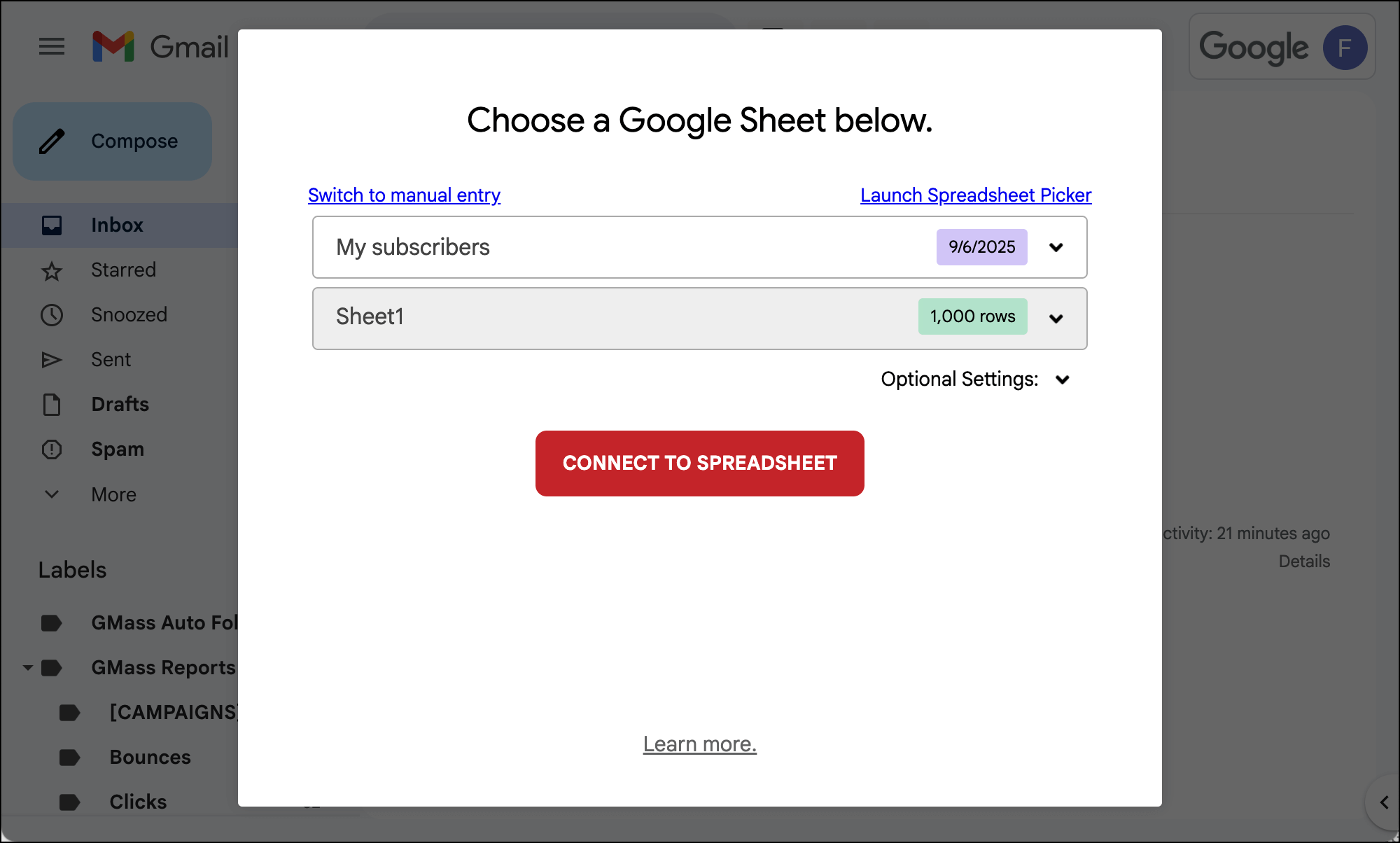
1. Connect your Google Sheet of contacts to a new campaign
In Gmail, connect your Google Sheet of contacts to a new campaign.
2. Make the campaign dynamic
When the Gmail compose window pops up, right click on the email alias in the To field (something like 123-recipients-3241kjasd@gmass.co). Choose “Change email address” to edit the email address.
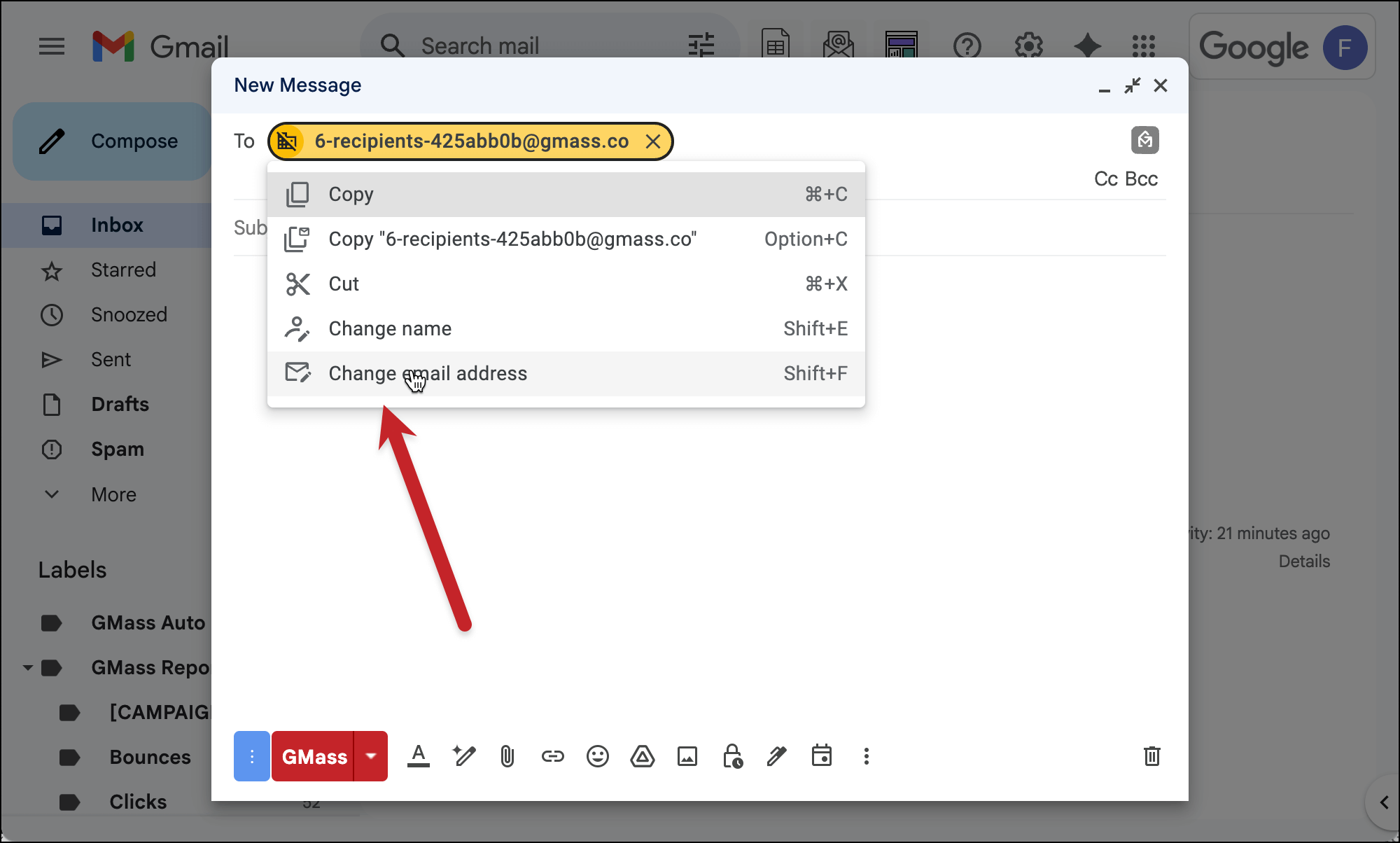
Add the word “-dynamic” right before the @ symbol. This turns your GMass campaign dynamic.

When you use dynamic addresses in GMass, your Google Sheet becomes your “single source of truth.” That means GMass will always use the addresses in the Sheet when it sends a campaign — even if those addresses have changed since you initially connected the Sheet to your campaign.
That’s crucial for what we’re doing here with our monthly email.
3. Compose your reminder email and make it recurring
Now you can compose your campaign.
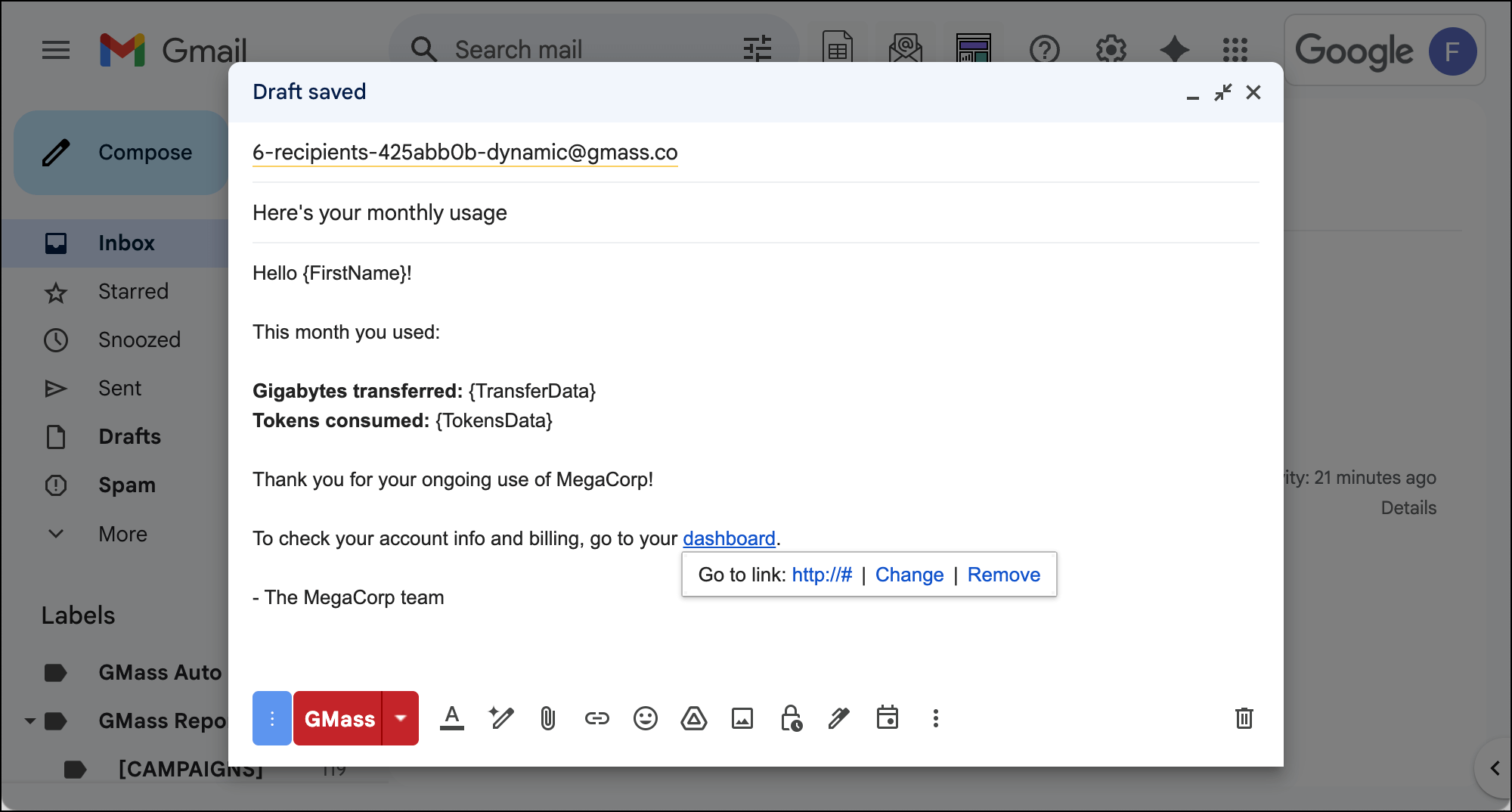
Then go to the GMass settings. In the Schedule section, set this up as a Recurring campaign at the frequency you want to send. Here, we’re sending it monthly to all rows.

4. Click the GMass button to start this automation
Once everything’s ready, click the red GMass button. That initiates this automation.
And now, once a month, everyone who’s on your Google Sheet at that moment will receive this automation.
✅ You’re all set.
More resources
- You can read more about recurring campaigns in GMass here.
- And here’s more about the power of dynamic lists.
- With an automation like this, you may want to look into advanced personalization options like using dates or conditional content.