
 |
List Management > Exclude recent email recipients |
How can I set up a campaign NOT to send to people I’ve emailed in the past week?
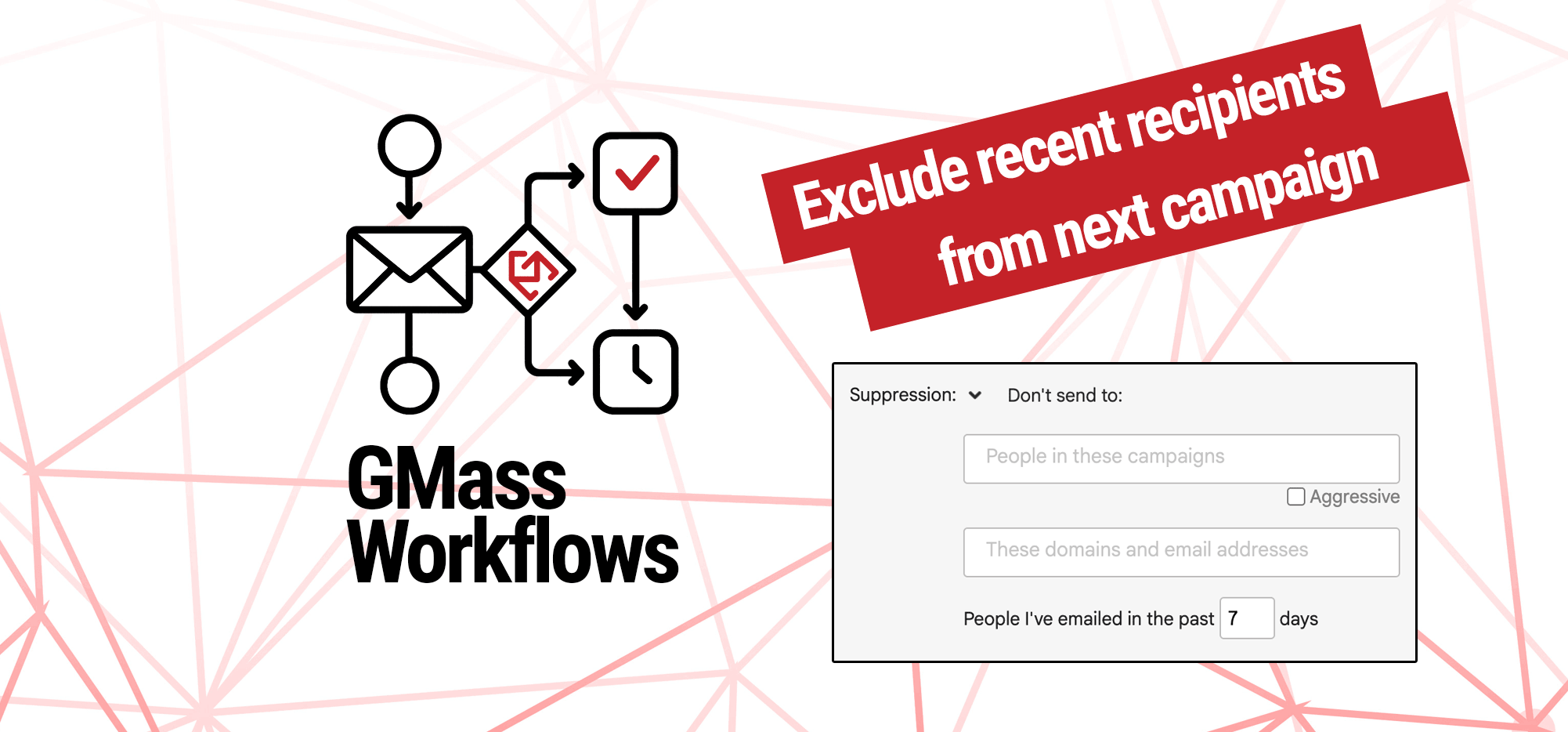
If you email people too often (in particular, more often than they’re expecting) it can lead to unsubscribes — or, even worse, spam reports.
So if you need to send a campaign and some of the recipients are in other sequences from you (or have just been in touch with you back and forth recently), maybe you don’t want them to get this new one.
Here’s how to easily exclude them from the campaign without having to manually edit them off your Google Sheet of contacts.
Step-by-step guide
1. Create your new campaign normally, then open its settings
Connect your Google Sheet of contacts (or bring in contacts however you choose) normally; don’t worry about removing the people you want to exclude.
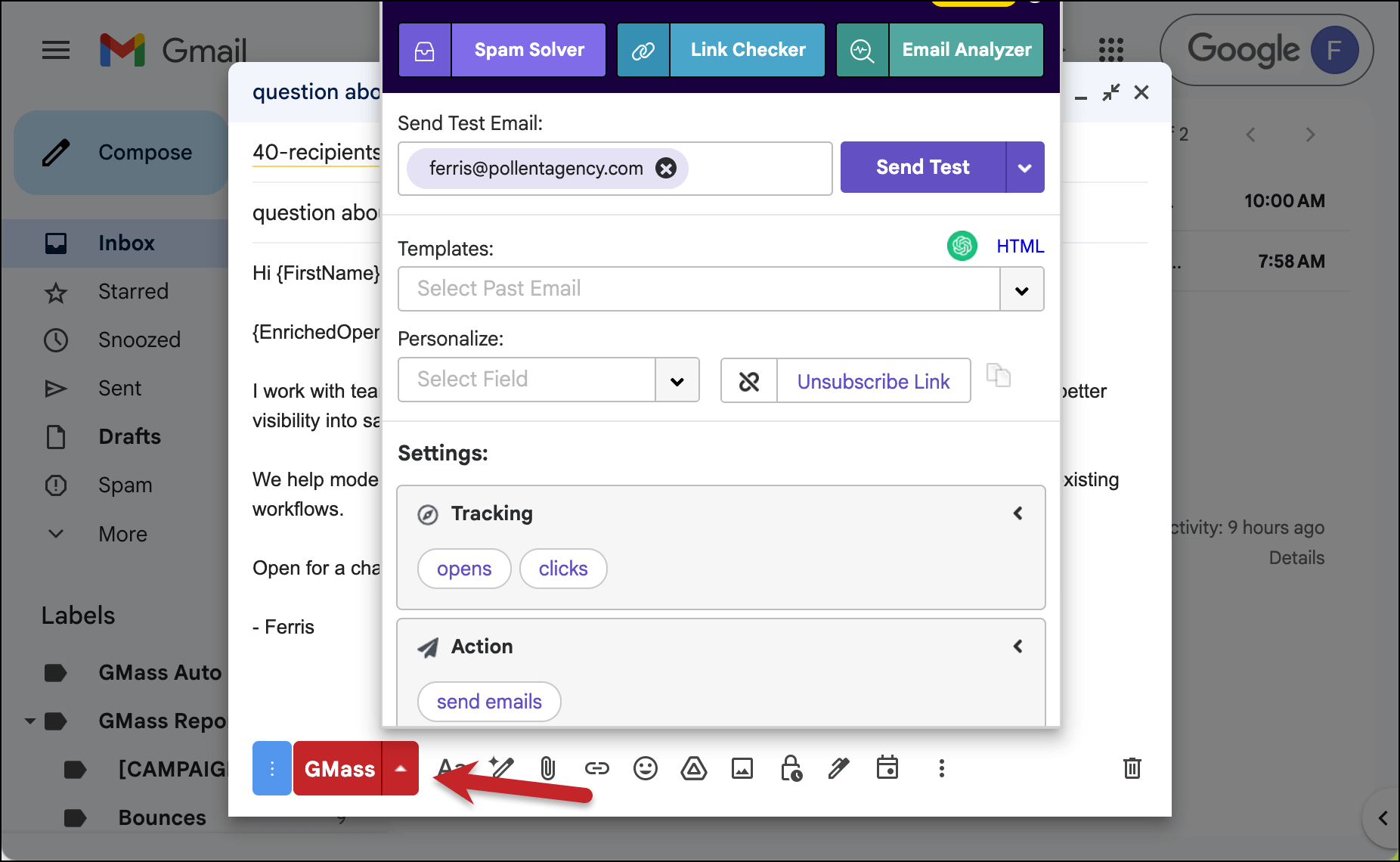
Once you’re in the compose window working on the campaign, you can open the settings.
2. Go the the Suppression section under Advanced
We’re going to use GMass’s suppression feature to exclude those recipients. Suppression is like briefly and temporarily “unsubscribing” someone from one particular campaign.
You can find suppression under Advanced > Suppression.
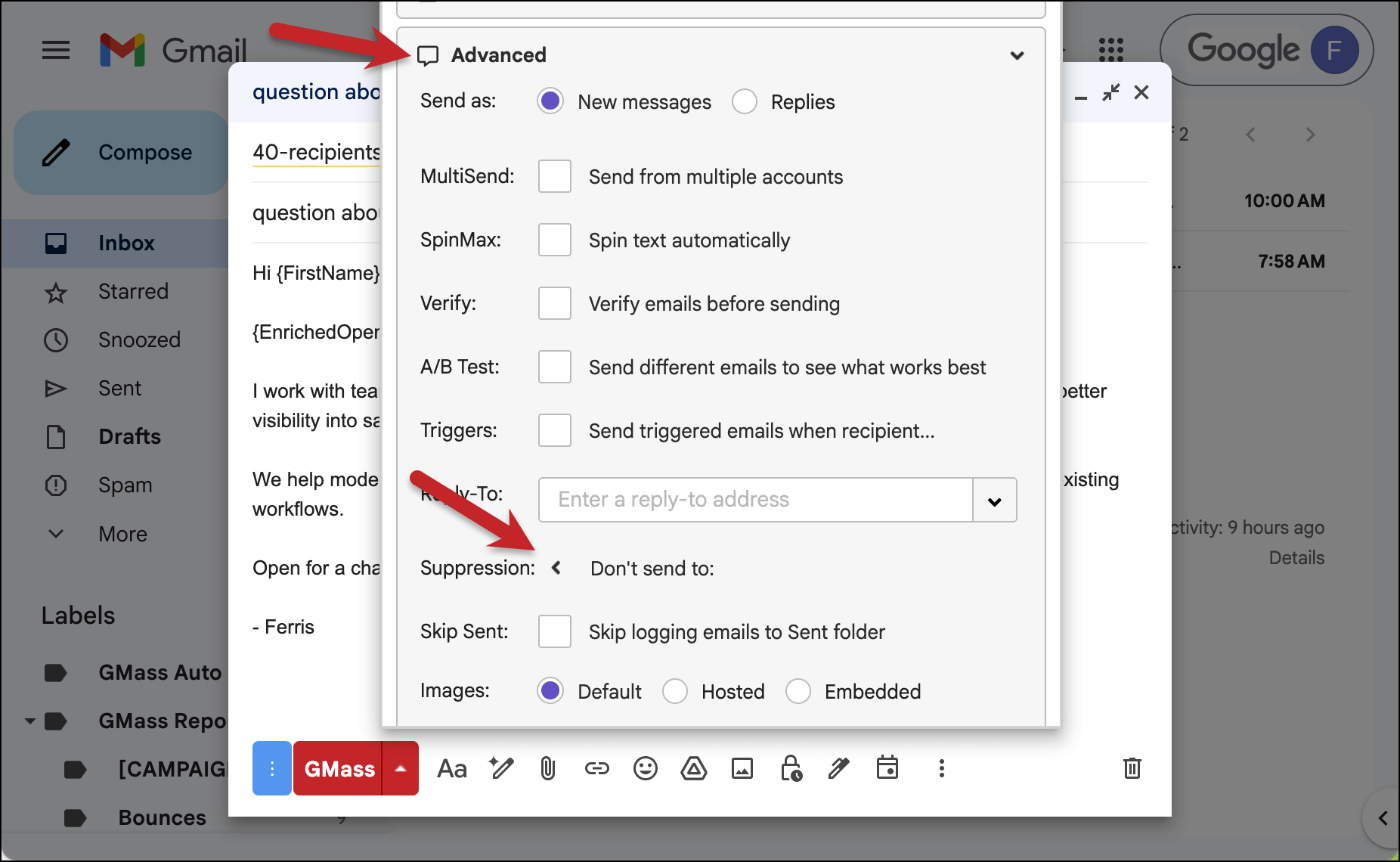
Click the carat symbol to open the Suppression settings.
3. Set the number of days to 7
As you can see, under Suppression, you have multiple options of whom to exclude from your campaign:
- People in specific GMass campaigns
- Individual email addresses or an entire domain
- Or people you’ve emailed in the past n days
In this workflow, we want to exclude people whom we’ve emailed within the past week. To do that, we’ll just set this to 7 days.
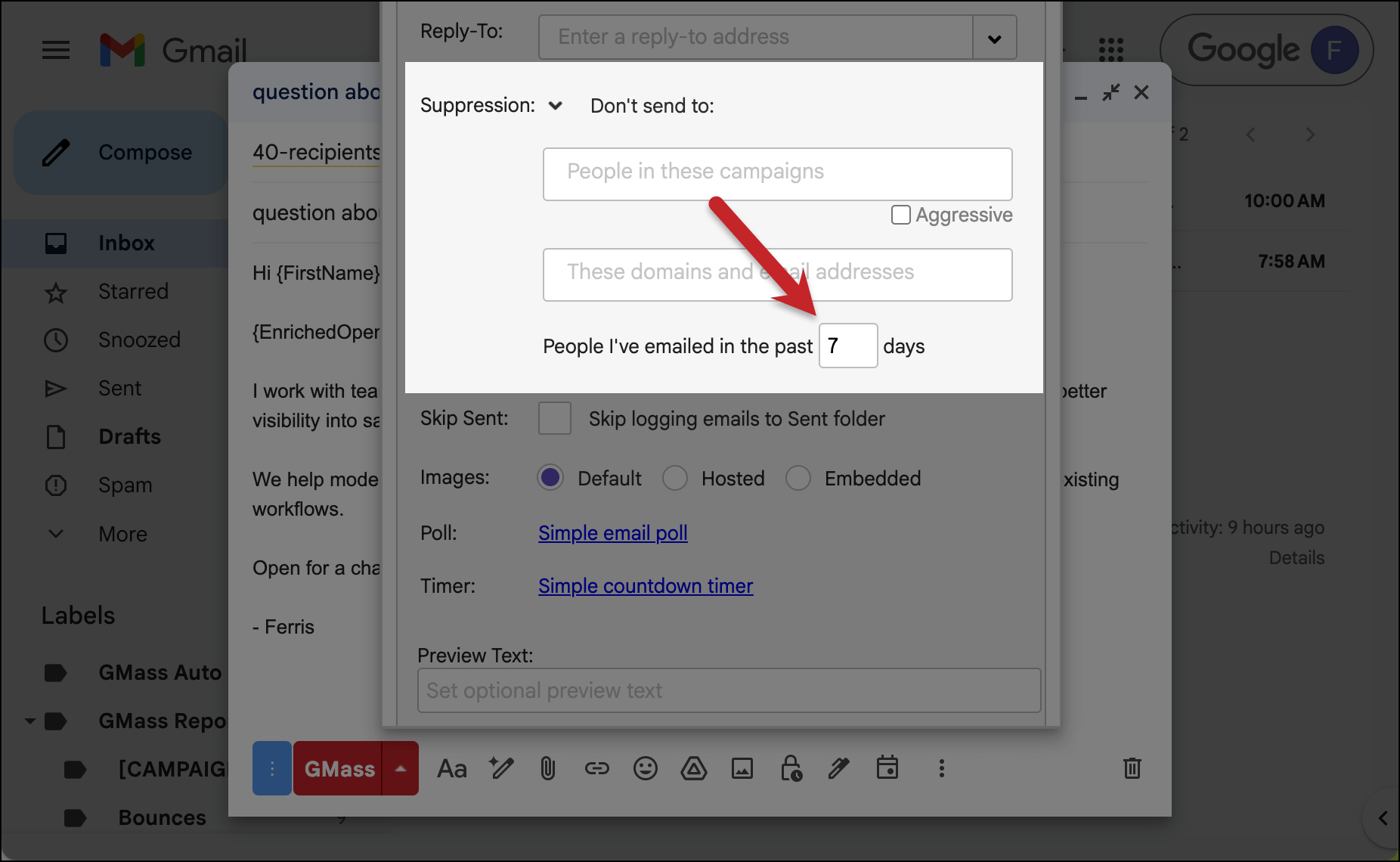
Now anyone you’ve sent an email to in the past week will automatically be excluded from your campaign.
✅ You’re all set.
More resources
- Here’s our full write-up on suppression by number of days.
- And here’s a look at all of GMass’s suppression options to remove recipients from an individual campaign.
- Need a more permanent unsubscribing method? Here’s how to manually add addresses to your unsubscribe list.