
 |
Composing & Sending > Thread to existing conversations |
I want to send an email to a list and have it thread into my existing email conversation with each person
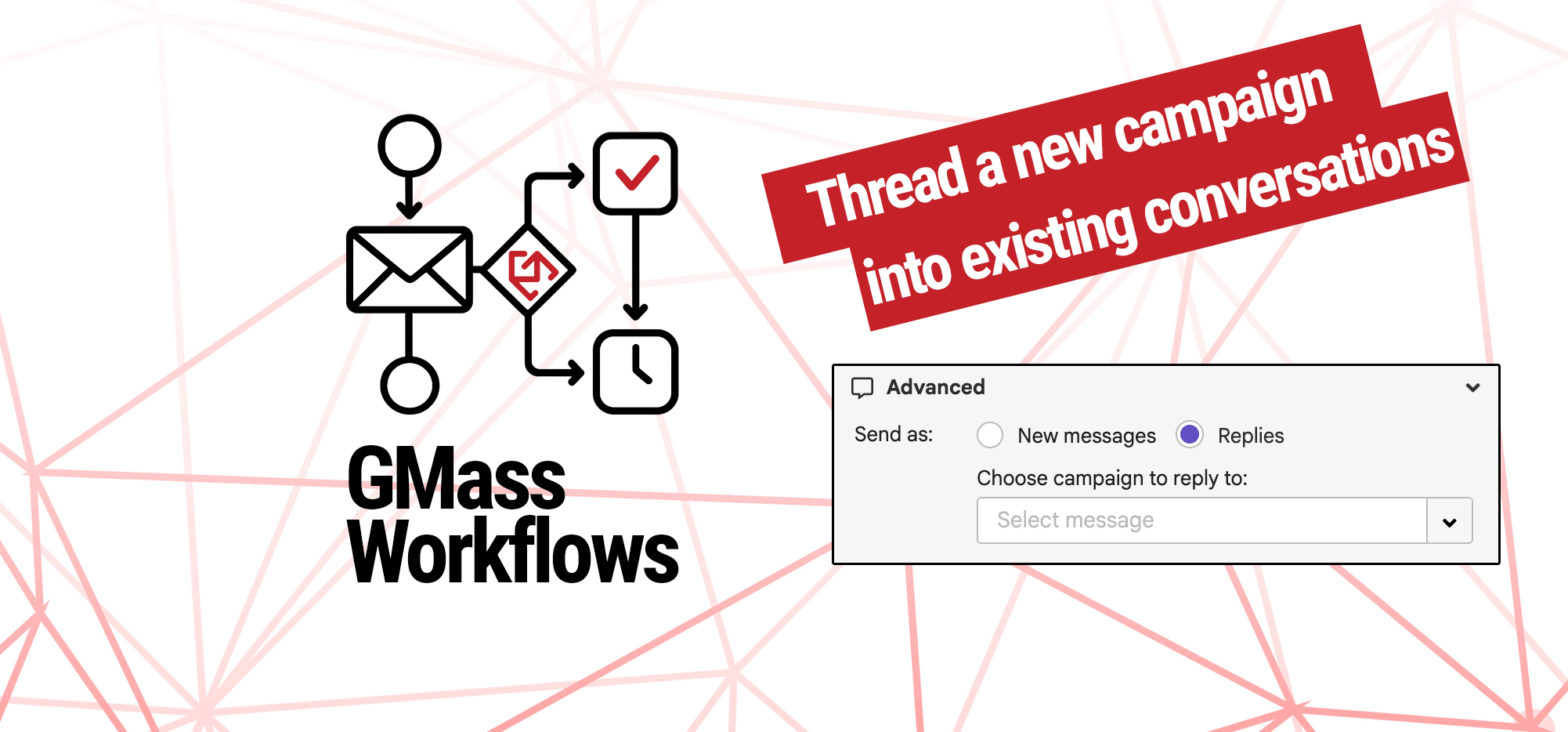
With GMass, it’s possible to re-ignite conversations at scale.
You’ve got a list of people. You’ve interacted will all (or some) of them over email in the past.
Now you have a new campaign to send — maybe it’s a new offer, or an announcement, or any kind of update.
You want to send it to everyone on that list. But to make it feel more personal and natural — and simulate one-on-one sending — you want your new campaign to go out as a reply to your last email with each person.
Yes, that’s doable. It’s also genius if you use it right. Here’s how to do it.
Step-by-step guide
1. Create your new GMass campaign, as normal
Connect your Google Sheet of contacts and type up your new campaign.
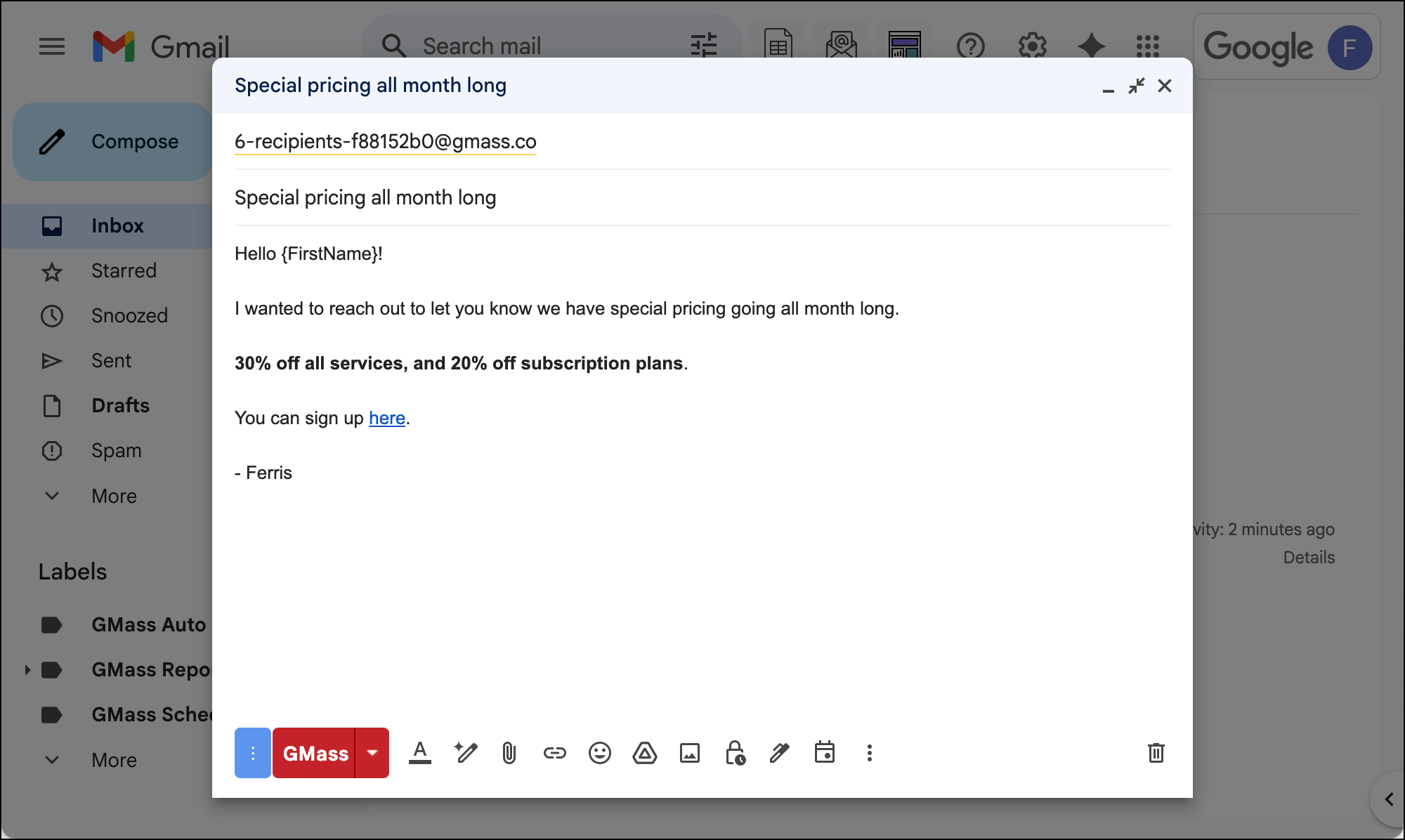
2. In the GMass settings box, go to the Advanced section to send as replies.
In the Advanced section, you’ll see the option to Send as: and the options of New messages or Replies.
Choose Replies.
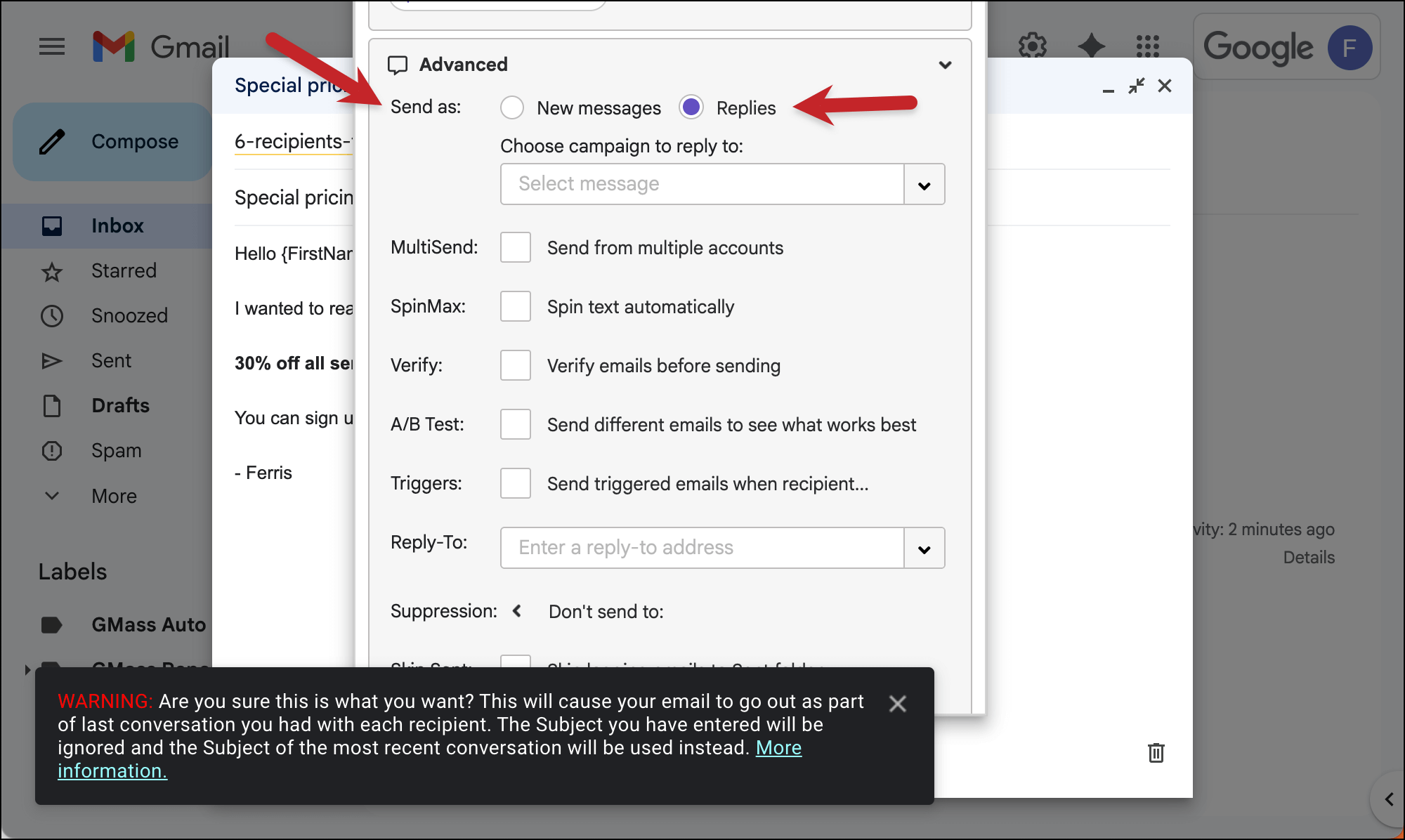
You’ll notice you can choose the option to reply to a specific campaign. We won’t use that here — that’s if you sent a campaign to a list and you want to send a new campaign as replies to that specific campaign.
So by leaving the dropdown empty, instead we send our new campaign as a reply to our last message with each individual person.
What if you don’t have any email history with some of your contacts? That’s no problem. Those people will get your campaign as a new thread, with your subject line visible.
3. Send your campaign when you’re ready by clicking the red GMass button.
Once your campaign is all set and you’re ready to send it, click the red GMass button.
Your new campaign will go out as replies to your last interaction with each contact.
✅ You’re all set.
More resources
- Check out the original post on GMass’s send as replies feature, including some potential uses.
- And here are even more examples of how you can use this feature.
- Read up on GMass’s segmented, behavior-based campaigns, which are a great option for sending follow-up campaigns.