
 |
Composing & Sending > Edit content during send |
I want to change the content of a campaign that’s currently sending
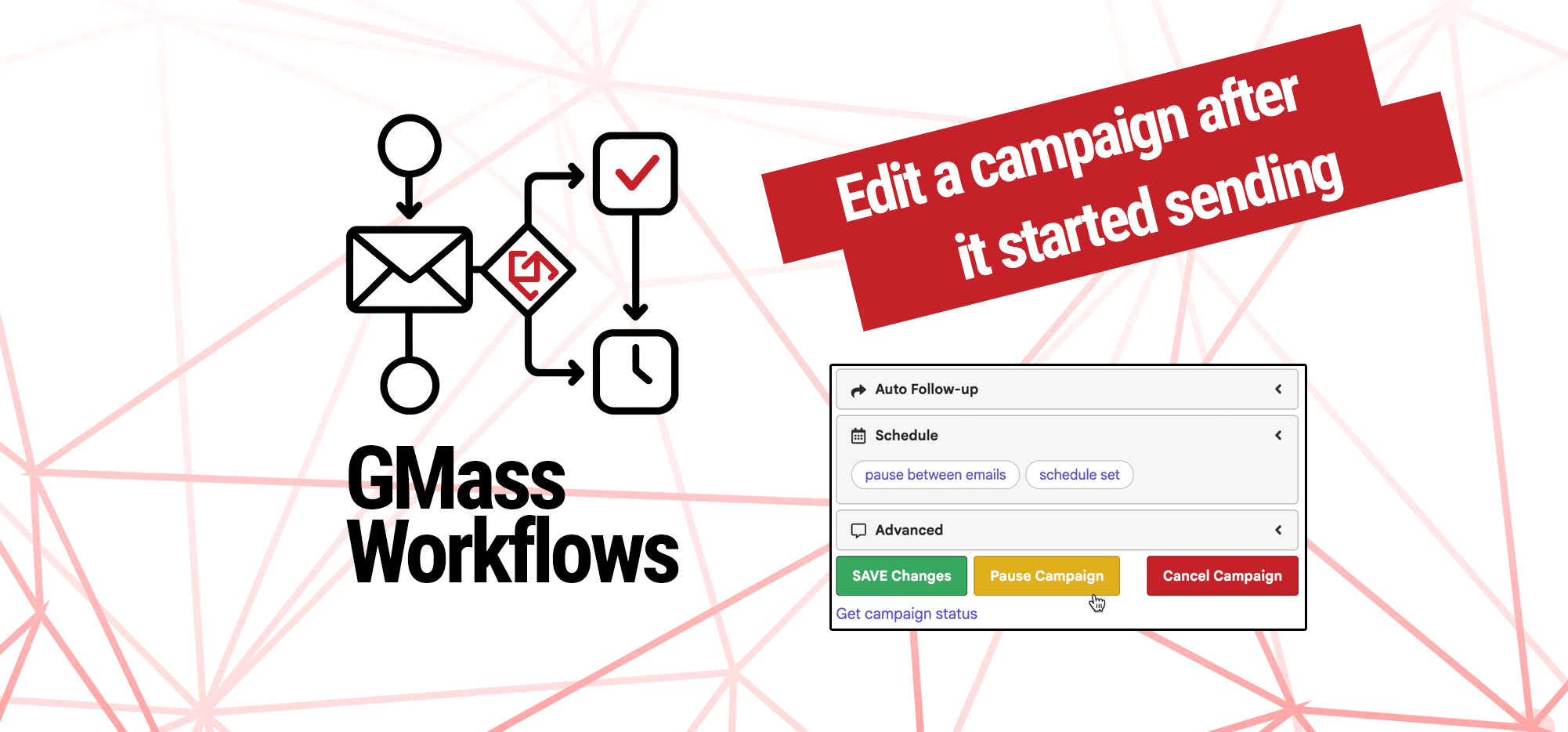
You created your campaign. Everything seemed like it was all set, you hit the red GMass button to start sending it — and now you want to change something.
While there’s nothing we can do about the emails that already went out (there’s no option to recall those, sadly), there is something we can do about all the emails in the campaign that haven’t gone out yet.
So this workflow is particularly helpful for your larger campaigns that take a while to send, and/or your campaigns where you’re throttling the sending speed.
Here’s how to make your change the right way.
Step-by-step guide
1. Find your campaign draft in the Gmail drafts folder
Your campaign will be in the Gmail draft folder (likely at or near the top of that folder) while GMass is in the process of sending.
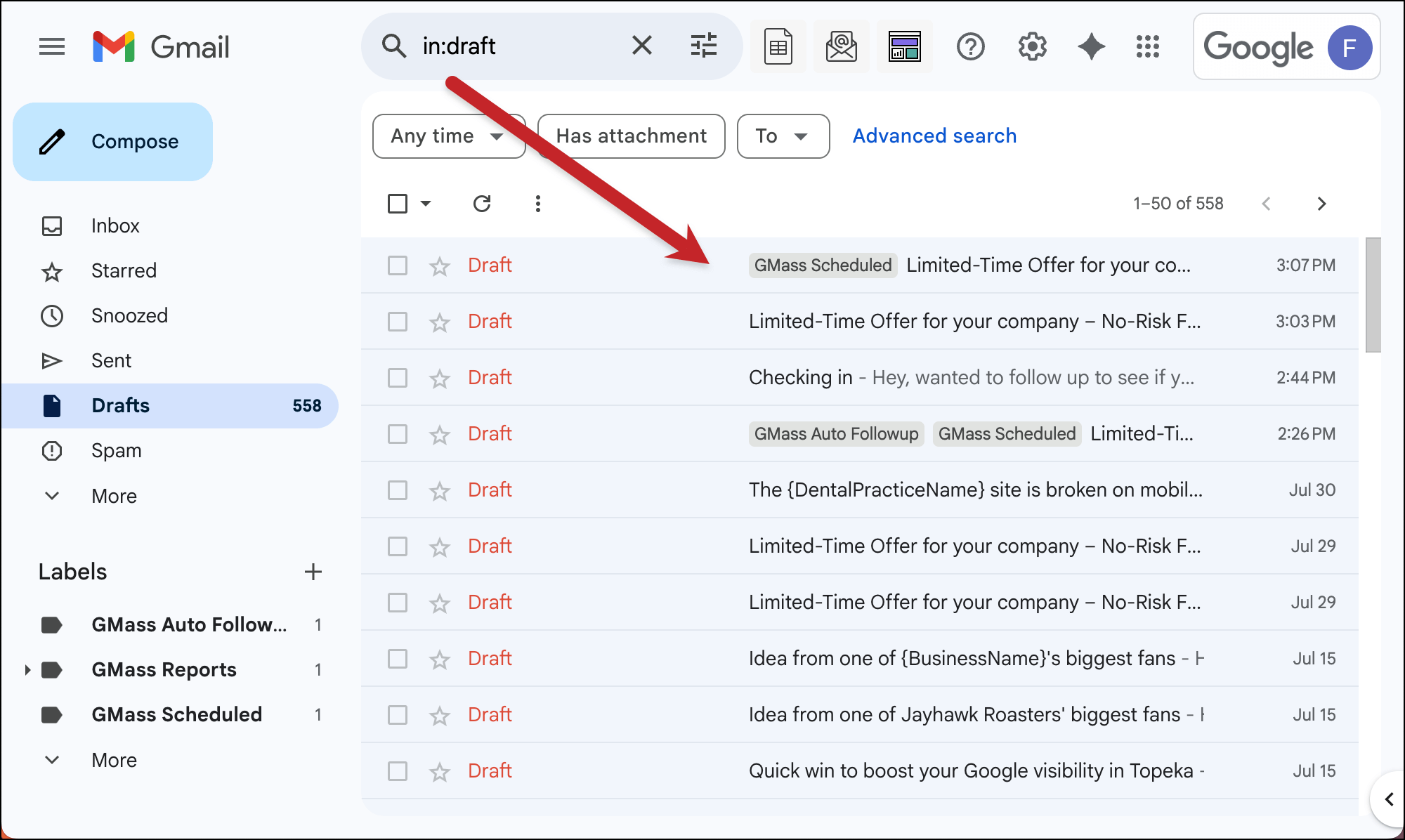
Once you’ve found your campaign, open the draft.
2. Open the settings box and pause the campaign
Now, technically you don’t have to pause the campaign to edit it. But it’s a much less stressful way to edit and would be considered a best practice to pause.
To pause your campaign, open the GMass settings box. Then scroll down and hit the pause button.
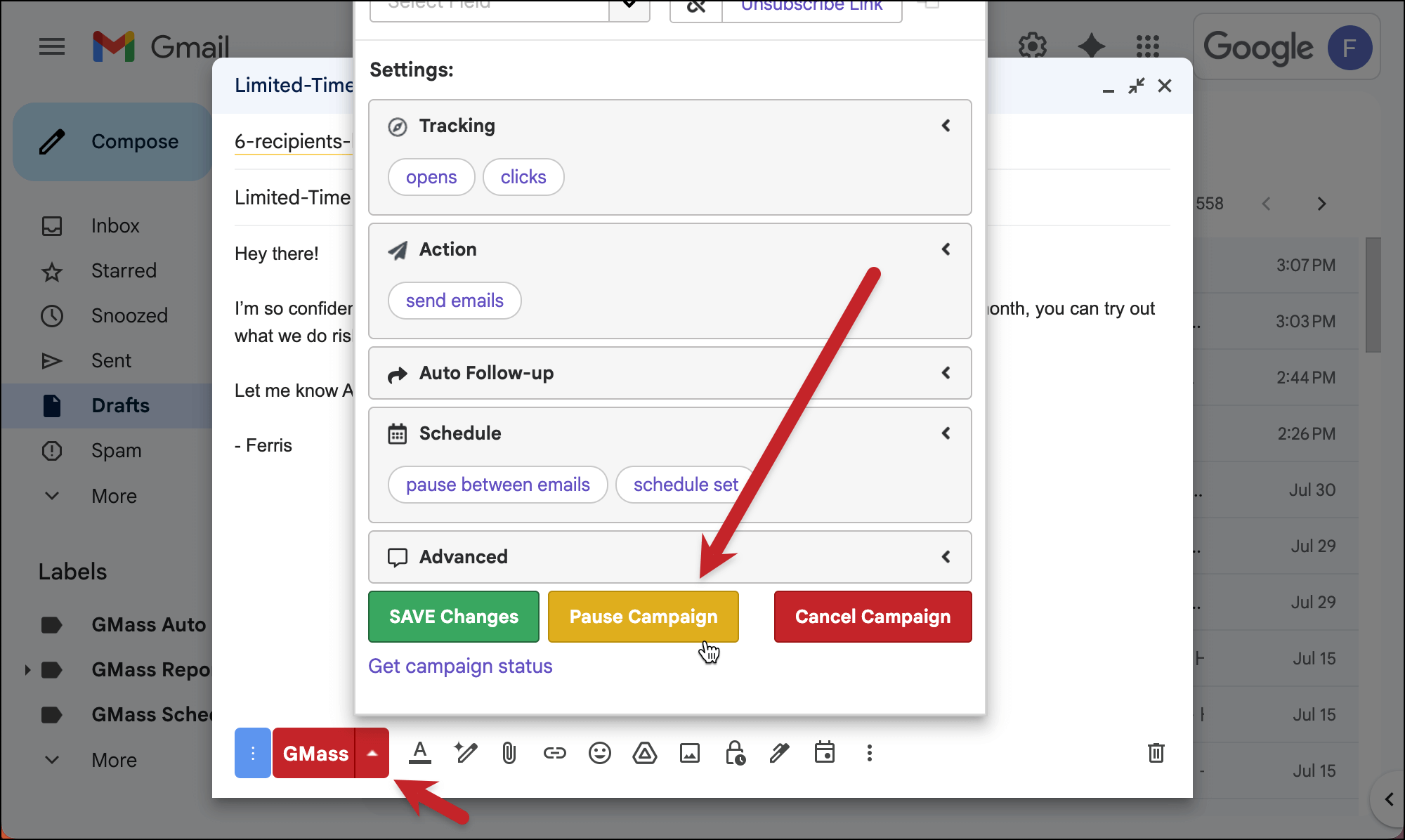
GMass will stop sending and you’ll receive an email once your campaign is successfully paused.
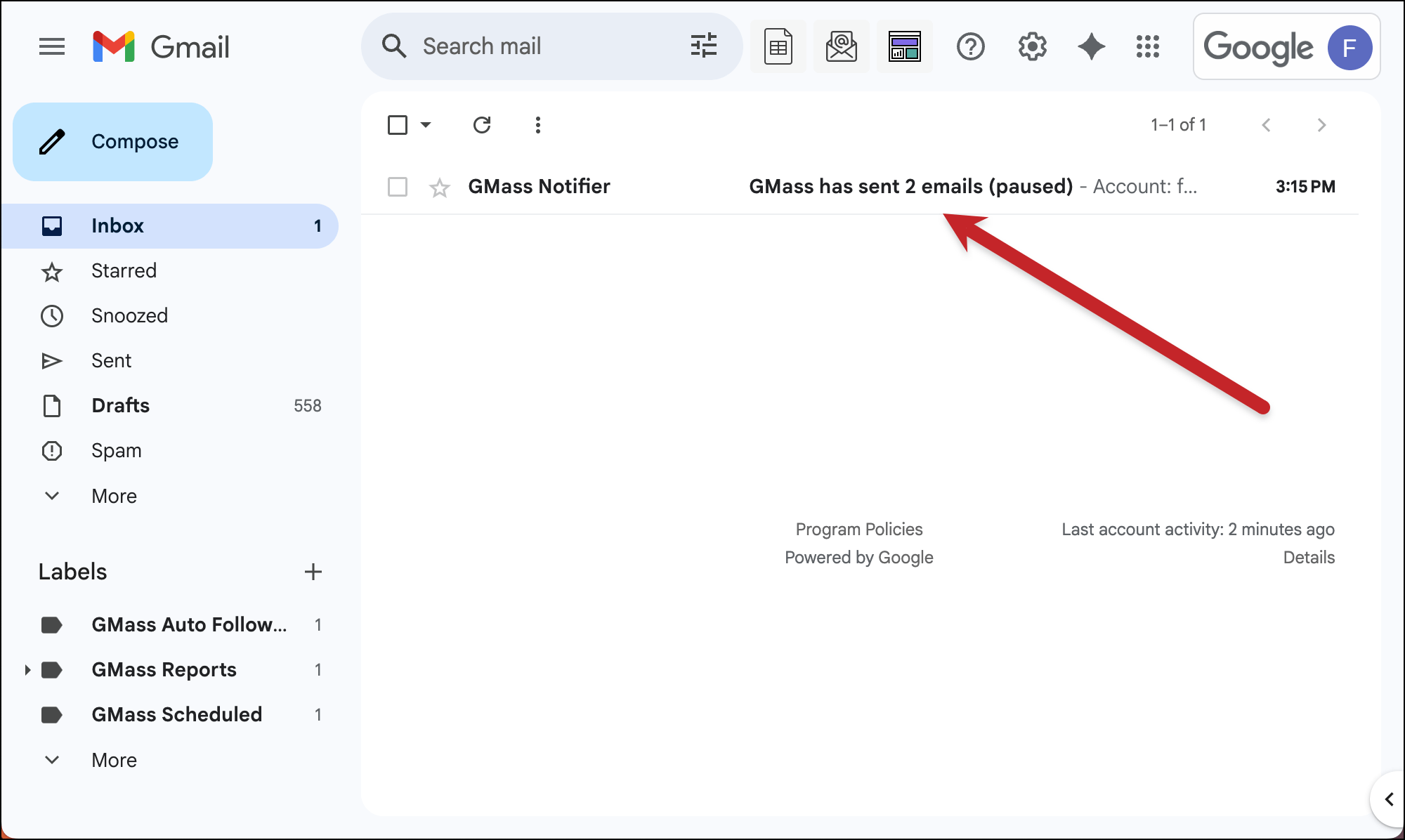
In that message you can see how many emails for your campaign have already gone out and how many are yet to send (and will receive your edited version).
3. Make your edits
Now that your campaign is paused, you can edit it at will.
Edit the content of your email, tweak the settings, add or remove follow-ups — basically, do whatever you want to do.
4. Save and resume the edited campaign
Once you’re happy with your changes, go back into the settings box and hit the green button to save your campaign.

And now you’re ready to resume. So click the yellow button to resume sending.
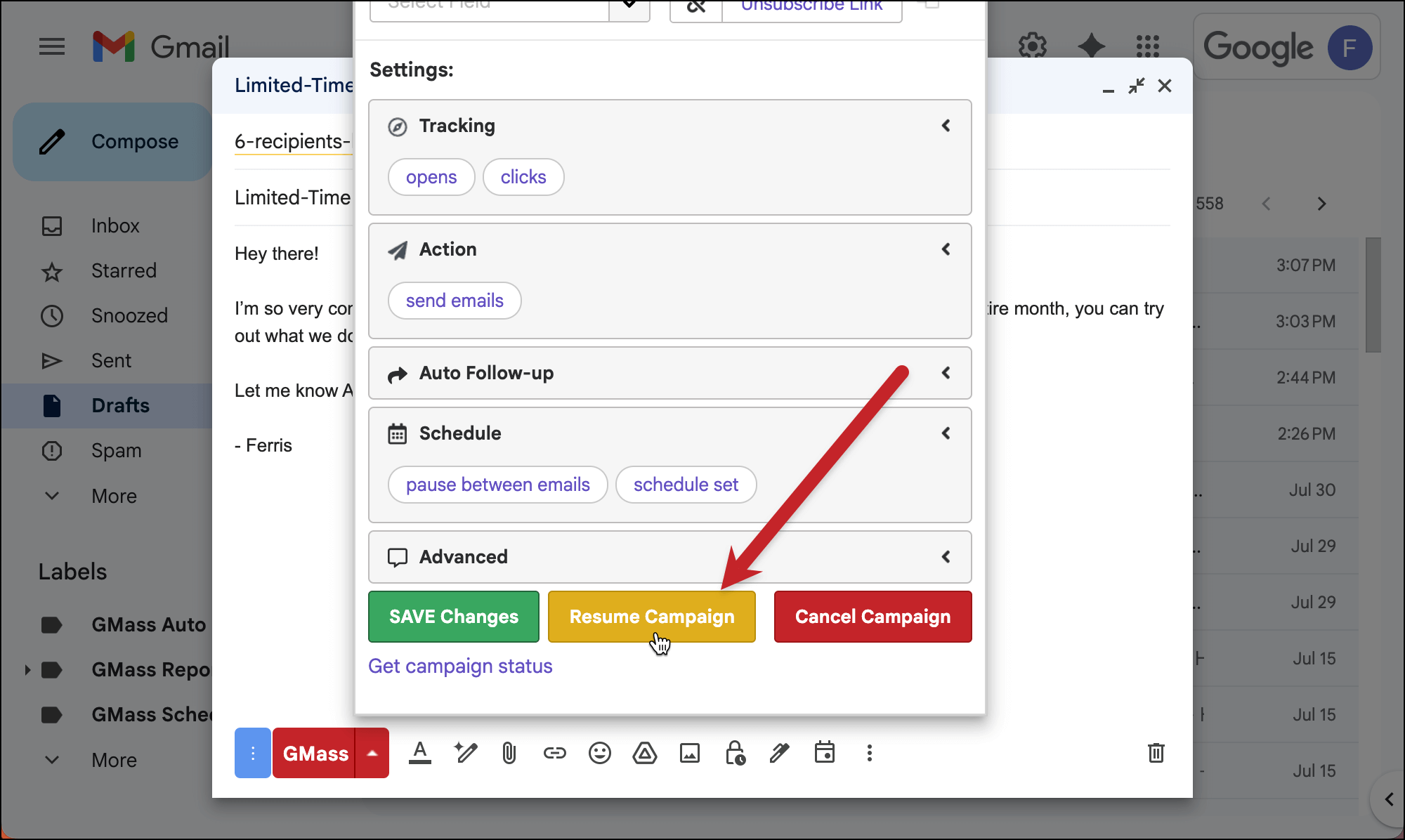
GMass will start sending your campaign again — but now it will send out your edited version.
✅ You’re all set.
More resources
- Our original documentation on pausing GMass campaigns and editing GMass campaigns.
- How to add, edit, pause, or cancel your auto follow-ups.
- In this guide I mentioned throttling your sending speeds; here’s how to add pauses between your messages.