
 |
Automations & Sequences > New campaign to repliers |
I want to take everyone who replied to my campaign and send them a new campaign
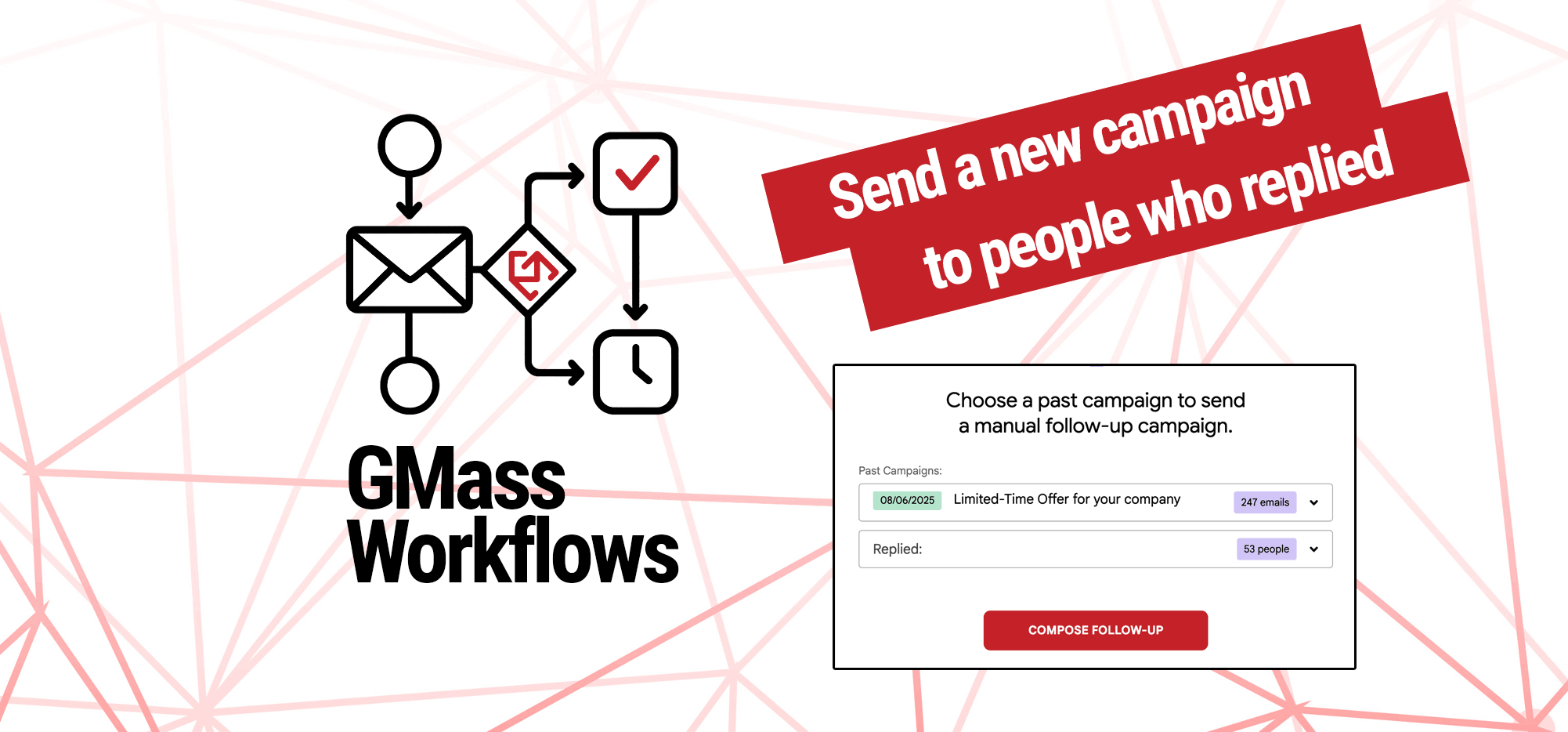
Want to send a new campaign to everyone who replied to a prior campaign?
GMass’s behavior-based follow-up campaigns make this dead simple. Seriously: We can do this with a few clicks.
Here’s how to do it.
Step-by-step guide
1. In Gmail, click GMass’s button to send a behavior-based follow-up campaign.
Go to your Gmail tab and click the envelope icon.

2. Choose your past campaign from the dropdown
In the first dropdown, choose the initial campaign.
Then, in the next dropdown, choose Replied. As you can see, you can send new campaigns based on several different behaviors.
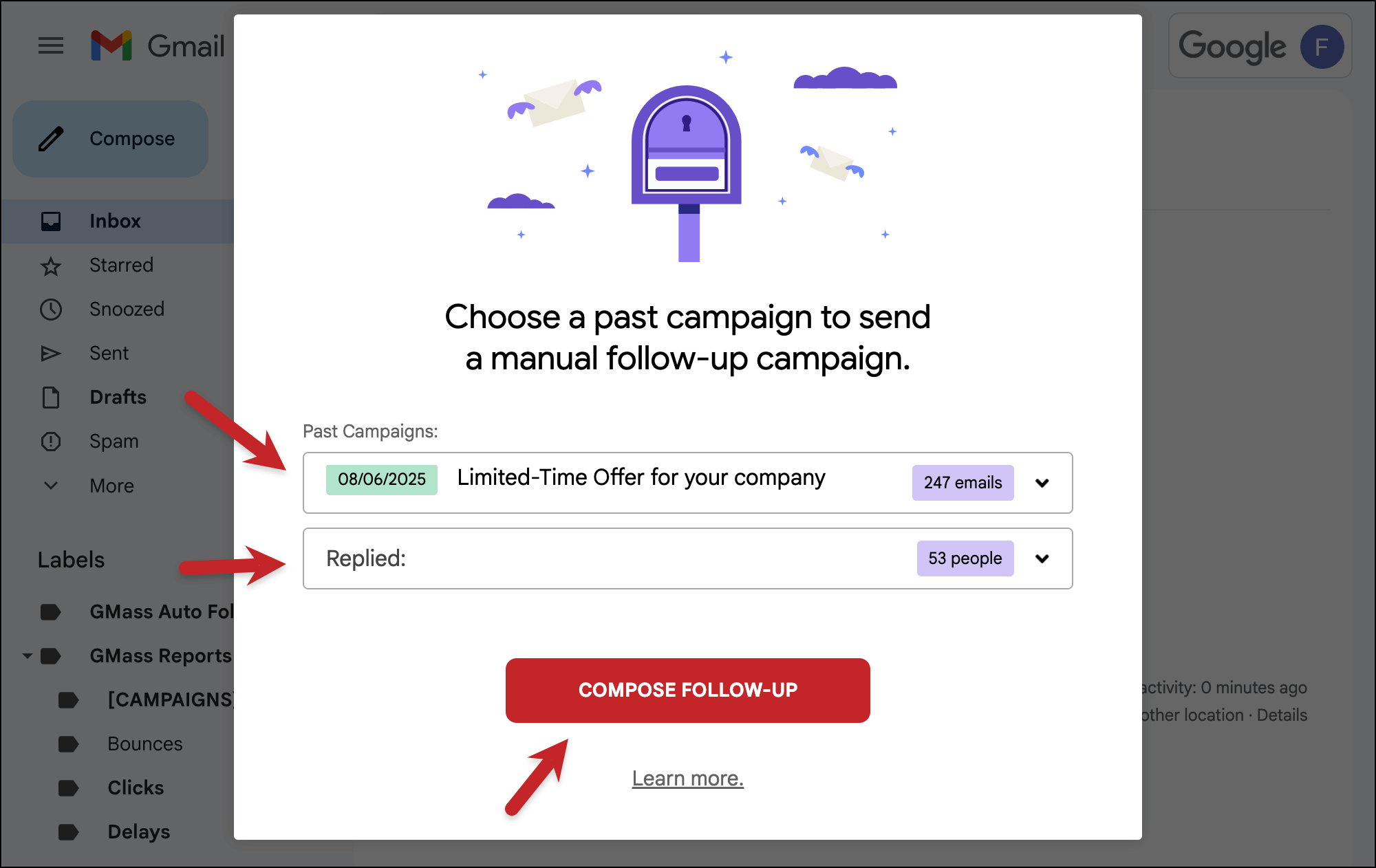
Then click the Compose follow-up button.
3. Create your follow-up campaign
Now create this campaign — it’s just like any other GMass campaign.
You can use any settings here (auto follow-ups, scheduling, triggers, whatever you need).
Note that you can use the same mail merge tags as you used in the initial campaign. GMass automatically retains those so this behavior-based follow-up campaign inherits them.
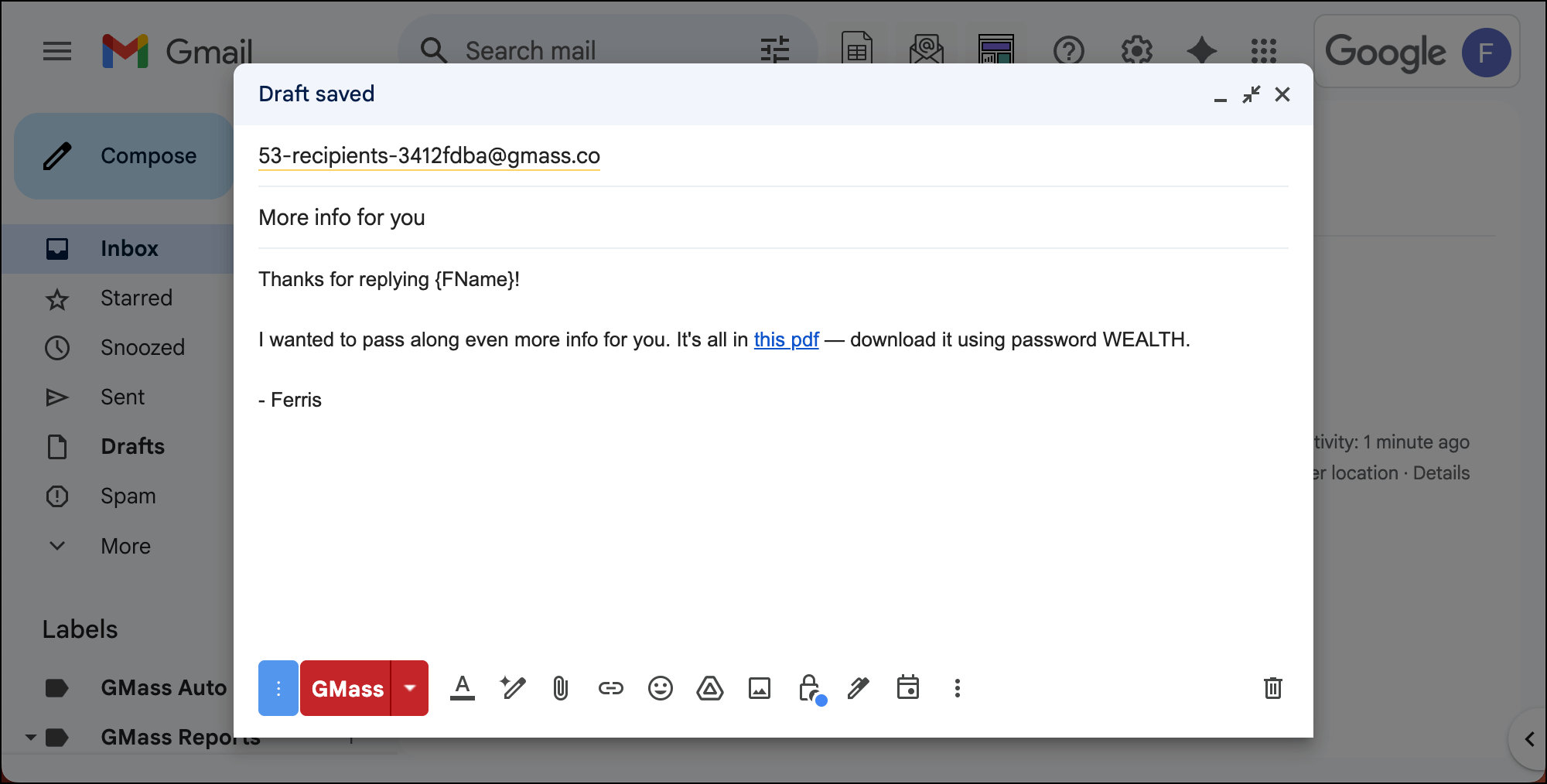
And when it’s all ready, hit the GMass button to send.
✅ You’re all set.
More resources
- Here’s our official blog post on using behavior-based, segmented follow-up campaigns.
- You can use behavior-based campaigns to create automated subsequences as well.
- Here’s how to use behavioral campaigns if you send a campaign and realize afterwards you want to send follow-ups.