
Just to make sure we’re all coming from the same place on this: Pretty much every major transactional email service will send your password resets or receipts just fine.
So what makes one the “best”? The other things it does for you.
I mean, I know this from the inside. My first company was an SMTP service called JangoMail. I’ve been helping people send transactional emails for more than two decades. And, well…
- Some are built for developers who want a clean API.
- Some make sense when you’re sending millions of emails and fractions of a cent add up.
- Some are built for large orgs with complicated account structures.
- Some couple transactional email sending with your other email sending into one platform.
- One even sends through your Gmail account.
So this isn’t really a ranking from “best” to “worst” or “best” to “not quite the best but still better than others.”
I put together this list of a handful of transactional email services here that are especially good at a particular job.
Let’s get into it.
Best Transactional Email Services: Table of Contents
- The Best Transactional Email Services at a Glance
- 4 Things to Look for in a Transactional Email Service
- The Best Transactional Email Service for Each Kind of Sender
- Transactional Email Service FAQs
- So, Which Transactional Email Service Should You Use?
The Best Transactional Email Services at a Glance
| Provider | Our take | Main transactional strength | Main limitation |
|---|---|---|---|
| Resend | Best for developers | Modern developer tooling and SDKs | Free plan capped at 100/day |
| GMass | Best for deliverability + ease | Sends through your Gmail account + Google’s high deliverability servers | Bound by Google’s sending limits |
| Amazon SES | Best for high volume | Extremely low cost at scale | More setup and infrastructure work |
| Brevo | Best free plan | 300 emails/day on its ongoing free plan | Daily cap can be restrictive |
| SendGrid | Best for enterprise | Account controls for large organizations | Best enterprise features require higher tiers |
| Postmark | Strong alternative | Focused email tooling and reporting | More expensive than raw infrastructure at scale |
| ZeptoMail | Strong alternative | Low-cost credit model | Transactional email only |
| MailerSend | Strong alternative | WordPress and WooCommerce integrations | Small free allowance |
| SMTP2GO | Strong alternative | Broad SMTP compatibility | Less developer-focused |
4 Things to Look for in a Transactional Email Service
Here’s what you need to be thinking about before we jump into the detailed picks.
1. What volume are you sending?
The best starting place (and the best filter right off the bat) is based on your actual transactional volume, including both sending spikes and consistency.
There are a few different volume levels, and they have extremely different needs.
There’s low volume, where you might consider a free service or, when you’re ready to graduate from that, a specialty service that’s built for lower volumes at varying daily sending levels.
There’s medium volume (say, 1,000+ per day) where you belong on a strong, managed service.
And there’s high volume (say, 7,500+ per day with consistent volume) where you’re likely looking for dedicated IPs and need to focus on cost per message.
Think about growth, but don’t overdo it. You don’t need to choose today based on some imaginary future where your 2,000 emails/month app suddenly sends 20 million. (In fact, if you don’t have the volume, you could be doing more harm than good to your deliverability with a dedicated IP.)
Pick something that works now and gives you reasonable room to grow.
2. How will you connect it?
You’ll almost certainly connect to your service through SMTP or an API. Virtually every professional operation offers both; some clearly specialize in one over the other.
SMTP is the compatibility option.
It’s been around forever, so basically every piece of software already knows how to use it: WordPress, help desks, servers, monitoring software, NAS devices, printers, and beyond.
If the thing you’re connecting asks for an SMTP server, username, password, and port, you can usually plug in your provider’s credentials and go.
An API gives you a deeper integration.
If you’re building the application yourself, you can work directly with the provider’s message IDs, metadata, templates, webhooks, errors, and other features.
That makes an API a good default for a custom app.
These aren’t hard rules. A custom application can use SMTP. WordPress can use an API. But it’s worth knowing how you plan to fit your transactional sender into your workflow before you decide on who to go with.
3. Do you also send marketing email?
Transactional email and marketing email are both emails that go from you to your customers… but beyond that, they’re actually pretty different.
I’ll cover it more in the FAQ section later in this article, but quickly and broadly: Marketing emails are anything people have opted-in to receive (from promotions to newsletters) while transactional emails serve a necessary business purpose (from account changes to receipts).
You can use different providers for both. But you don’t necessarily have to.
There are lots of platforms that support both (and later, I’ll even cover one that also supports the third category of emails, cold outreach). And if you are sending these different genres of email, you can save yourself a lot of money and a lot of app-stacking headaches by consolidating into one platform.
Note: If you are running dedicated IPs and have that level of infrastructure, you’ll need to think about separating your “streams” so your marketing reputation doesn’t affect your transactional emails’ deliverability. But unless you’re sending at that scale, don’t get suckered into worrying about this.
4. What are you actually paying for?
It’s tempting to compare these services by cost. Sometimes that’s useful. Sometimes it’s not.
At Amazon SES’s current à-la-carte rate, one million outbound emails costs about $100 before data and optional features. That’s so cheap! Buuuuuut… it’s not going to work right out of the box. So you also have to think about the initial and then ongoing development (not to mention deliverability and monitoring) costs too.
A managed service may charge quite a bit more for the same million emails because you’re also paying for the product around the sending infrastructure.
Paying more for a managed service makes the most sense in the middle. It makes less sense when you’re small enough for the cheap/free options, or enormous enough that infrastructure costs really matter.
And a platform that offers transactional emails as well as marketing emails is an apples-to-oranges situation, since transactional emails are just part of your overall email picture.
In other words: Make sure you’re taking all factors into account before you start doing “cost per thousand” math.
The Best Transactional Email Service for Each Kind of Sender
Here are my picks for the best transactional email services for different senders.
1. Amazon SES: best for high volume (like, really high volume)
Once your volume gets big enough that fractions of a cent matter (and your team grows proportionately), Amazon SES becomes just too tempting to ignore.
- Pricing: À-la-carte outbound sending is $0.10 per 1,000 emails.
- Why it’s the pick: Low unit cost, especially at scale.
- Watch out: You’re taking on more of the email operation yourself.
- Look elsewhere if: Your volume is low enough that the savings won’t offset the initial and ongoing work required.
The old description of SES as nothing more than a bare sending engine isn’t really accurate anymore.
AWS has added deliverability tooling, suppression management, dedicated IP options, validation features, and more.
However… it’s still AWS.
There are permissions, quotas, configuration, events, monitoring, and the rest of the machinery that comes with running infrastructure inside AWS. And if you are going to be running dedicated IPs and sending crazy volumes of transactional emails, someone still needs to own the monitoring and deliverability side of the operation.
That’s a shortsighted trade if you’re adding engineering work to save $12 a month.
But at tens of millions of transactional emails a month, that 10-cents-per-thousand number starts making sense.
2. Resend: best for modern developers
Resend is the newest service on this list, and, as a result, it was built with the modern app ecosystem in mind. That can make it “feel” more native as you integrate it into your app.
- Pricing: Free for 3,000 emails/month, capped at 100/day; Pro is $20/month for 50,000.
- Why it’s the pick: Clean developer experience, SDKs across popular programming languages, and a product built around sending email from code.
- Watch out: Its 100/day cap means you can hit the free plan’s limit even when your monthly volume is relatively low.
- Look elsewhere if: You aren’t actually building the sending integration yourself.
Resend’s advantage isn’t some magical email infrastructure nobody else has. It’s that the product was intentionally designed around how late 2020s developers work.
The SDK fits into your application. The API is the center of the product. If you’re using React, its connection with React Email gives you a natural way to build email alongside the rest of your application.
If you’re building a SaaS product with tight transactional email integration, that’s useful.
Resend isn’t the only software that you can integrate into your app (you can really do it with any of the apps on this list), it’s just going to feel a little smoother and a little more native.
3. GMass: best for deliverability and ease
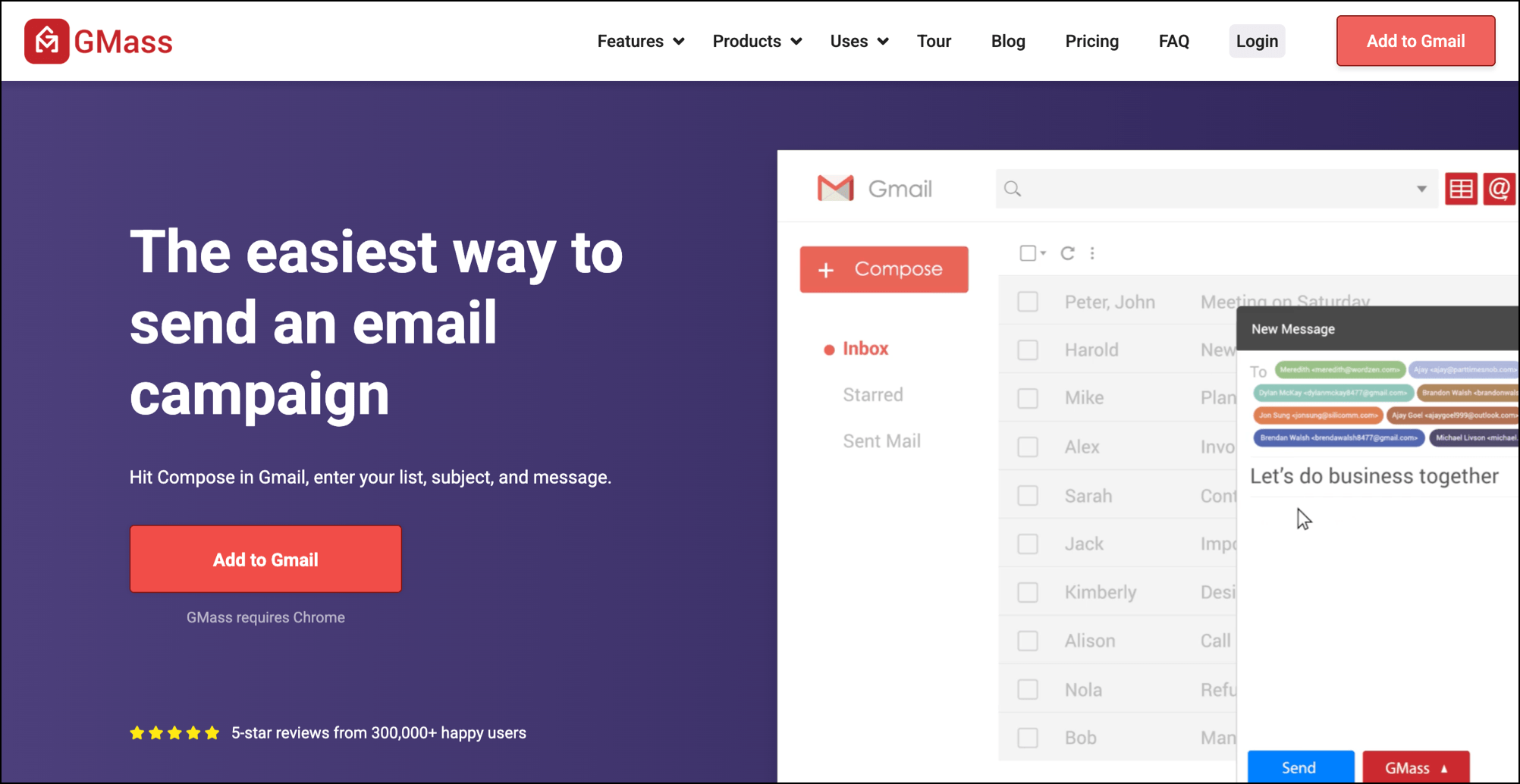
GMass takes a few different approaches from the rest of the software on this list.
Instead of moving your transactional email onto a separate sending platform, GMass sends your transactional emails through Gmail.
And transactional emails aren’t a separate product; they’re part of GMass’s whole email sending platform, which also brings marketing and (yes, really) cold outreach into Gmail as well.
- Pricing: GMass starts at $29.95/month for all types of emails, including transactional, marketing, and outreach.
- Why it’s the pick: Your transactional messages send through Google’s high-deliverability servers rather than a separate server (plus you’re consolidating your entire email sending stack into Gmail).
- Watch out: Google’s sending limits still apply to transactional emails.
- Look elsewhere if: You need thousands or tens of thousands of transactional emails every day.
The case for GMass is pretty simple:
- You use Gmail/Google Workspace to send your emails
- You could actually use it to send all your other emails too (marketing, outreach, and transactional)
- This is way, way easier and more cost effective than any other email sending option out there.
For transactional emails specifically, you plug GMass’s SMTP relay credentials into your software and your emails are then sent through your Gmail account. You can also use the GMass API to build transactional emails into your app (which also go through Google).
The benefits: First, you’re sending through Google’s high deliverability servers. That alone will save you so many warmup and reputational headaches (especially if you’re a lower volume sender or your transactional email volume varies day to day).
Beyond that, the messages live in your Sent folder, meaning they’re searchable (and you can very easily turn them into lists — for instance, finding everyone who made an order in the last six months).
So what’s the trade-off? Transactional volume. Free gmail.com accounts have a limit of up to ~500 emails/day and paid Google Workspace accounts cap at up to ~2,000/day.
So if you’re sending 50,000 receipts a day, this isn’t the right setup.
But if you’re sending hundreds of transactional messages, GMass solves a problem the conventional transactional providers don’t.
4. Brevo: best free plan
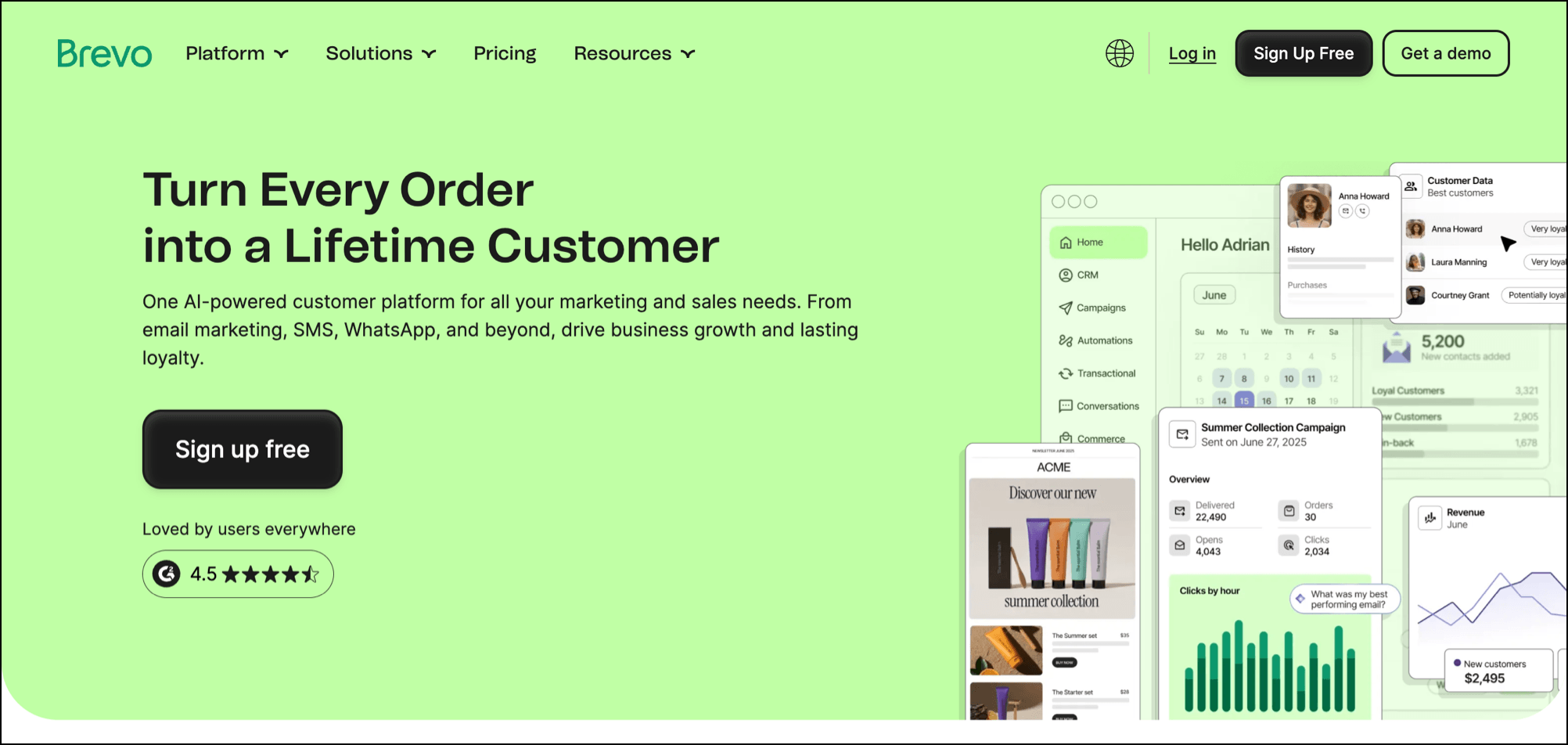
Brevo gives you 300 emails every day on its free plan, forever. (At least as much as “forever” means “until they change this one day.”)
That’s enough to run the transactional email for some genuinely small apps without paying anything.
- Pricing: Free for 300 emails/day; Starter begins at $9/month and removes the daily sending limit.
- Why it’s the pick: A useful ongoing free allowance rather than a short trial or one-time credit.
- Watch out: The 300/day cap can be a problem if your volume is higher, or if it’s bursty. Also, they include Brevo branding in every email you send.
- Look elsewhere if: You regularly need to send more than 300 messages a day.
Brevo also includes marketing features and transactional sending in the same platform (not cold outreach though). The free plan for marketing also adds their branding to all your emails.
I personally don’t love the added branding, but if you’re just starting out and don’t think your customers will mind, this is a good place to start.
5. Twilio SendGrid: best for enterprise
Twilio SendGrid (formerly just known as SendGrid, and I still can’t help but refer to it that way, decades-old habits die hard) isn’t only for enterprise. Like, their $19.95/month Essentials plan obviously doesn’t require an enterprise procurement department.
The enterprise case comes in for companies where email has become a large part of the organization, but not so large that you want to devote entire people’s jobs to monitoring it. It’s kind of like a more managed alternative to Amazon SES.
- Pricing: You think anyone’s sharing their enterprise pricing? That’s a “call us” situation, of course.
- Why it’s the pick: Enterprise-scale sending infrastructure without endless management work on your end. Some… just not endless.
- Watch out: That convenience will cost ya.
- Look elsewhere if: You’re a smaller team, or a larger team where Amazon SES’s price makes more sense.
With SendGrid’s enterprise plans, you can get into dedicated IPs, multiple sending environments, account segmentation, permissions, SSO, and all the other infrastructure that comes with a large email operation.
But SendGrid does their damndest to make that all as manageable as possible without you having to go beyond their dashboard.
So for a company where email is large and complicated — but not something the engineering team wants to build and operate from AWS primitives — SendGrid makes sense.
Other transactional email services worth considering
The five above are the services where I think there’s a clear enough use case to make a “best for” call.
That doesn’t make the others bad options.
Postmark is a mature, developer-oriented email service with API and SMTP sending, templates, logs, and other tools for managing application email.
ZeptoMail is notably inexpensive and uses a pay-as-you-go credit model instead of a conventional monthly plan. One $2.50 credit covers 10,000 transactional emails. There are no bells and whistles, but this can be a cheap step up from a free plan.
MailerSend offers both API and SMTP sending and has official integrations for WordPress and WooCommerce. Its free plan currently includes 500 emails/month.
SMTP2GO is a straightforward option when the software you’re connecting already expects an SMTP relay. Its free plan includes 1,000 emails/month with a 200/day cap.
Transactional Email Service FAQs
What is a transactional email?
A transactional email is an email sent to someone because of a specific event, action, or status involving their account, purchase, service, or professional relationship with a company or organization.
In other words, the email exists because something specific and essential happened or needs their attention — not because the sender decided to send a message to a broader audience.
A receipt is transactional because you made a purchase. A password reset is transactional because you requested one. A renewal notice is transactional because your subscription is coming up for renewal. A security alert is transactional because something happened on your account.
And the recipient doesn’t always have to trigger it themselves.
An expiring credit card notice, account-status change, terms-of-service update, or login from a new location can all be transactional too.
U.S. CAN-SPAM law uses the broader term “transactional or relationship” messages and includes things like completing an agreed-upon transaction, providing security information, and notifying customers about changes to an account or ongoing commercial relationship. It also requires the primary purpose of the email to be about the essential transaction (and not primarily promotional).
Transactional vs. marketing email — what’s the difference?
Transactional email is email a company needs to send because of a specific, essential event involving that recipient. Marketing email is email the company sends because it wants to communicate something to an audience.
Say you buy a pair of shoes online.
Your order confirmation, receipt, shipping update, and refund notice are transactional. Those emails exist because of your specific order.
A newsletter about the company’s new spring collection or an email with recommended accessories to purchase is marketing. You may be a customer, but nothing about your individual purchase requires the company to send you that newsletter.
That difference matters because transactional and marketing emails have different rules.
You need to be able to unsubscribe from marketing without also losing emails you need to use a service or manage an account. If you opt out of a store’s newsletters, it still needs to be able to send you tomorrow’s receipt or warn you that your password changed.
In the U.S., CAN-SPAM reflects that. Commercial marketing messages need to offer a way to opt-out, transactional emails don’t.
The exact rules vary by jurisdiction, and mixed-purpose messages can get more complicated. (I definitely wouldn’t ever send a mixed-purpose message in Europe.)
But the basic distinction is actually pretty simple: transactional email is essential business email, marketing is promotional.
Should I use an SMTP relay or an API?
If you’re building the application yourself and both SMTP and API options are available, an API is probably the better pick. It gives you direct access to the provider’s features and makes it easier to work with message IDs, metadata, templates, webhooks, and errors inside your application.
SMTP makes more sense when the thing you’re connecting already expects SMTP. That’s why it’s so common with WordPress, business software, monitoring systems, servers, network devices, and hardware.
SMTP also has a big advantage if you switch transactional email providers. In that case, you’ll probably just need to swap credentials — not rewrite an entire integration.
Can one tool handle both transactional and marketing email?
Yes. Many email services can handle both.
GMass does both through Gmail or Google Workspace: transactional messages can live alongside marketing emails, mail merges, newsletters, and even cold outreach from the same account.
Platforms like Brevo offer transactional and marketing emails.
Why do transactional emails land in spam?
There are a lot of possible reasons.
Authentication problems (SPF, DKIM, or DMARC) can be one. So can a poor sender or domain reputation, a bad shared-IP reputation, high bounce or complaint rates, or sudden changes in volume.
Our transactional email deliverability guide goes much deeper into diagnosing those problems.
So, Which Transactional Email Service Should You Use?
The best transactional email service for you is the one that fits your volume, integration plans, and other email sending needs.
- If you’re sending very high volumes, look into Amazon SES and SendGrid.
- For integrating transactional emails into modern apps, check out Resend.
- If you want a lower volume plan or free plan, look into Brevo or Zeptomail.
- And if you want to make this (and all your email easier), check out GMass.
You can try GMass for free for transactional email and your other types of emails, with no credit card required. Here’s how to start free with transactional emails in GMass. Or to try out the cold outreach and marketing platform, download the Chrome extension to get started.
Understanding SMTP headers clarified email routing for me.