
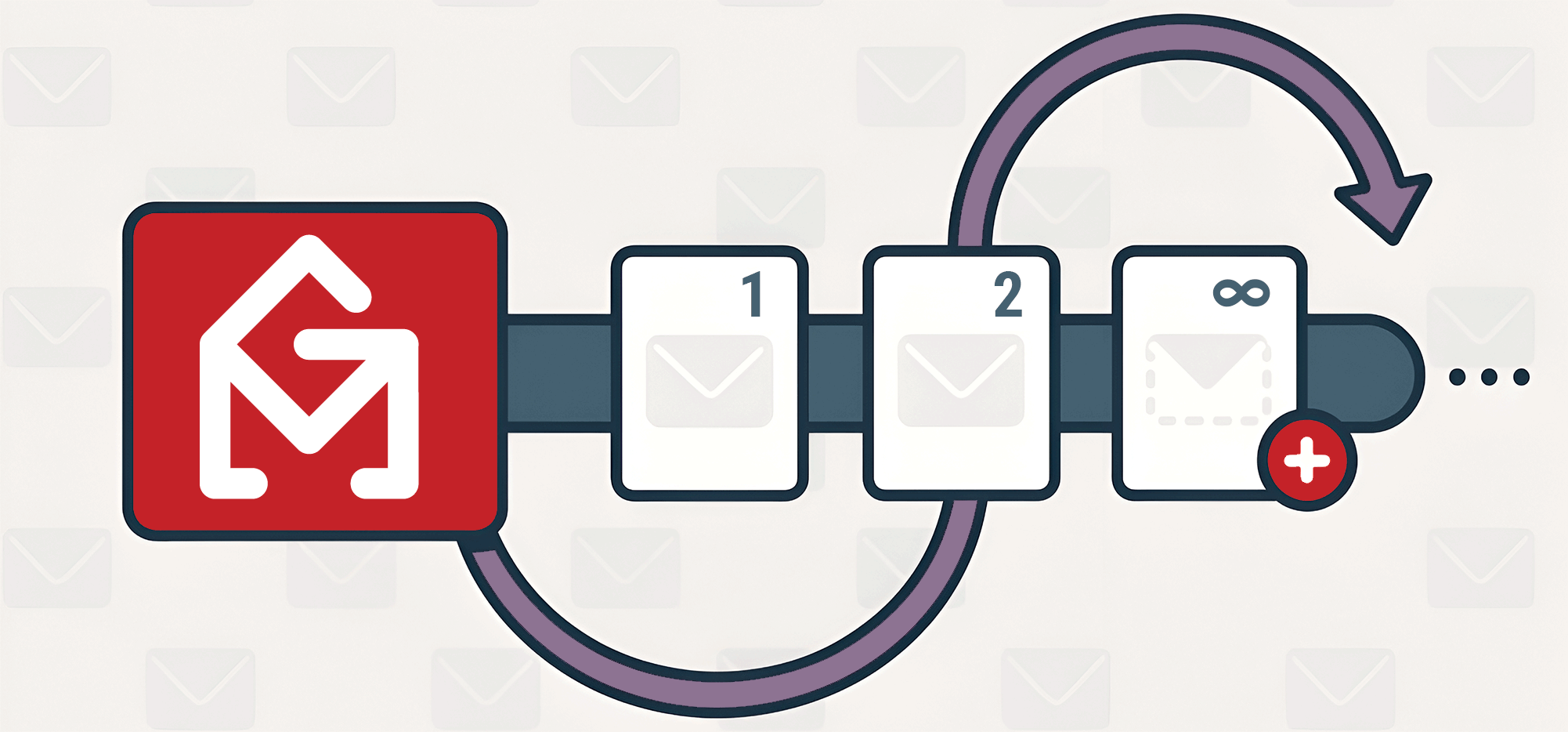
Great news: You can now send unlimited auto follow-up stages using GMass.
Before, you could send up to eight stages. While there were workarounds you could use to send more, this is a much simpler and more streamlined solution.
Be sure to reload Gmail in your browser to get this update.
Let’s dig in.
Unlimited Auto Follow-Up Stages: Table of Contents
- Unlimited Stages of Follow-Up Emails
- When Unlimited Auto Follow-Up Stages Can Come in Handy
- More You Can Do with GMass’s Auto Follow-Ups
Unlimited Stages of Follow-Up Emails
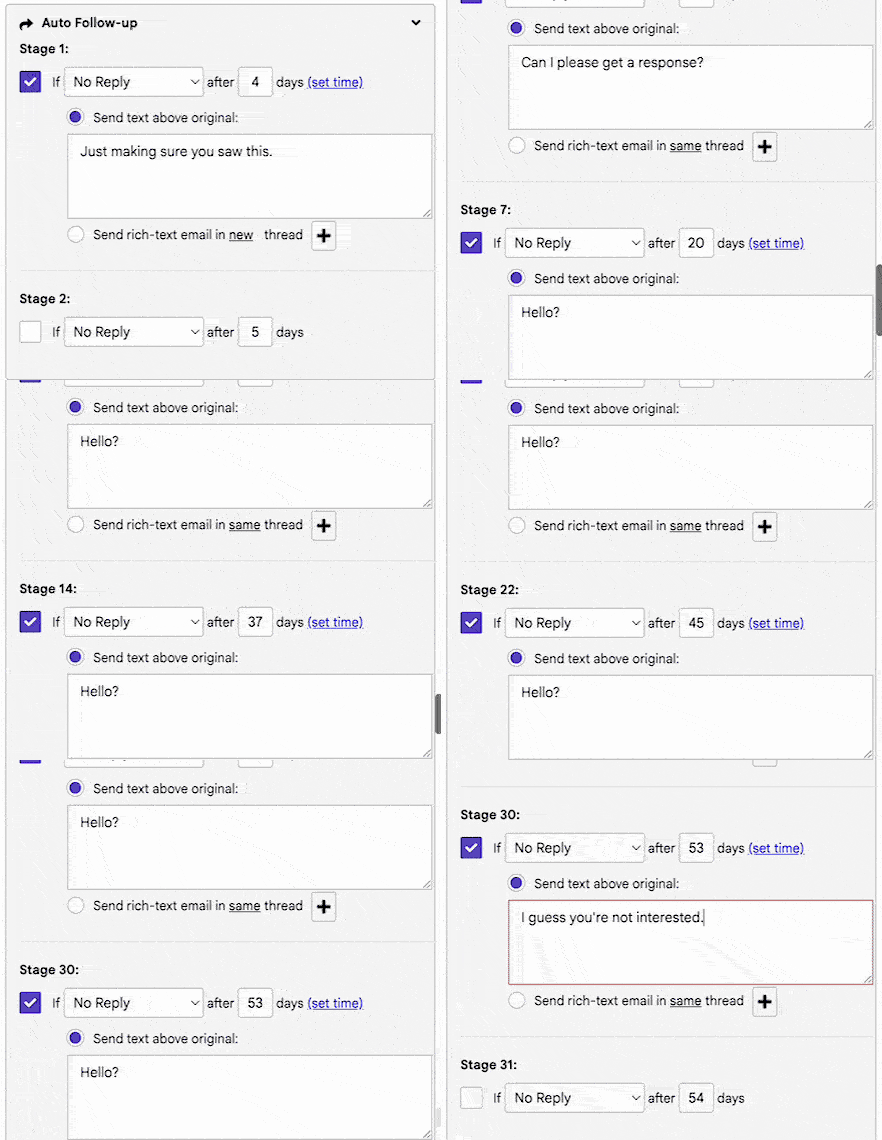
You can add unlimited stages of auto follow-up emails directly from the GMass settings box.
There’s nothing different about the workflow you’ve always used to add follow-up stages.
After you put together your 8th stage, check the box to add a 9th stage. After that, the 10th stage. And on and on and on.
Of course, keep in mind that too many follow-ups can be annoying so use this feature wisely.
When Unlimited Auto Follow-Up Stages Can Come in Handy
Here are just some of the scenarios where having the ability to send more than eight auto follow-ups can be a big benefit.
Long sales cycle B2B outreach. Set up 15 to 20 touchpoints over six to 12 months.
Real estate lead warming. Automatically, and regularly, stay in touch with leads over a longer period of time until they’re ready to buy or sell.
Welcome sequences. With unlimited auto follow-ups you can keep your welcome education messages focused on one topic per email, rather than overloading people.
Drip nurturing campaigns. Figure out the exact number of messages you need to convert free trial users into paid subscribers.
Paid courses. Creating a paid course over email with dozens of lessons throughout the year.
Post-purchase education series. Thoroughly educate your new customers with more tutorials and tips.
Evergreen thought leadership. You can keep on adding auto follow-ups to a campaign now to stay in touch with subscribers indefinitely.
Winback campaigns for dormant customers. Persistence can pay off!
De facto newsletter. Rather than sending a new campaign to a list weekly, you can now keep adding auto follow-up stages.
Course or coaching follow-ups. Educate and nurture simultaneously.
Maintaining contact with conference attendees. Stay in touch for the year with as many follow-ups as you need.
Donor relationship management. Keep in touch with donors to your nonprofit or institution for a longer period of time with regular follow-ups.
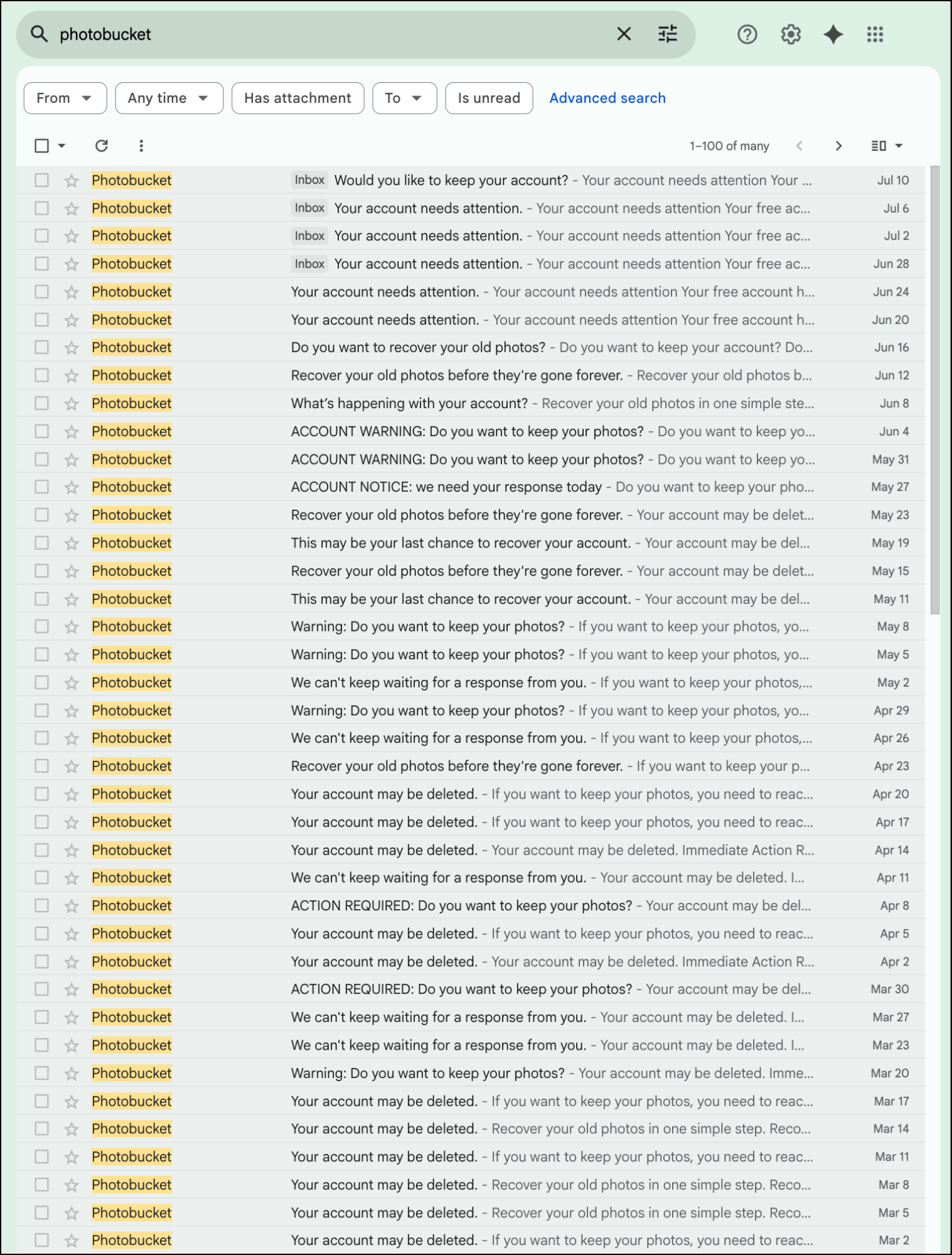
You work for Photobucket. As of today, I am at 181 reminder emails that my account’s on the verge of being deleted. I’m sure your team will save a whole lot of money doing this with GMass since it’s certainly more cost effective than whatever other software you’re using.
More You Can Do with GMass’s Auto Follow-Ups
Unlimited stages are just the latest feature that make GMass’s auto follow-ups better than what you’ll find on any other platform.
GMass’s auto follow-ups are the easiest to use (write quick plain text messages directly in the settings box!) with lots of powerful features available when you need them.
Some quick reminders on all you can do with follow-ups in GMass…
- Use rich text to send formatted auto follow-ups.
- Have a follow-up sequence stop when a recipient takes an action like opening, clicking, replying, or “reply or click.”
- Send a drip series.
- Edit, delete, or add auto follow-ups at any time.
- Manage who receives auto follow-ups dynamically.
- Send out an auto follow-up stage on demand.
- Test your entire sequence with a single click.
- Send a new campaign as replies to your last email with each contact.
- Create subsequences (automated follow-ups when someone takes an action).
- Use triggered emails to send follow-ups when you know someone’s in their inbox.
- Send new campaigns based on behavior (for instance, to everyone who opened but didn’t click on a prior campaign).
And that’s just what GMass can do with follow-ups.
Need any other feature to send better, more effective email campaigns?
GMass can probably do that too. (And if not, reach out and there’s a good chance we can build it.)
You can try out GMass — including auto follow-ups — completely free, with no credit card required.
Just install the Chrome extension and you’ll be up and running in a matter of minutes. Join the 400,000 others who use GMass for all types of emails — and who’ve given GMass an average of 4.8 out of 5 stars across tens of thousands of reviews.
Only GMass packs every email app into one tool — and brings it all into Gmail for you. Better emails. Tons of power. Easy to use.
TRY GMASS FOR FREE
Download Chrome extension - 30 second install!
No credit card required
Looks like a great value. We are discussing the use of your platform.
Can you help with sms/text integration into your communication stack in any way?
I do believe all the concepts you have presented for your post. They’re very convincing and will definitely work. Still, the posts are too quick for novices. May you please extend them a bit from subsequent time? Thanks for the post.